
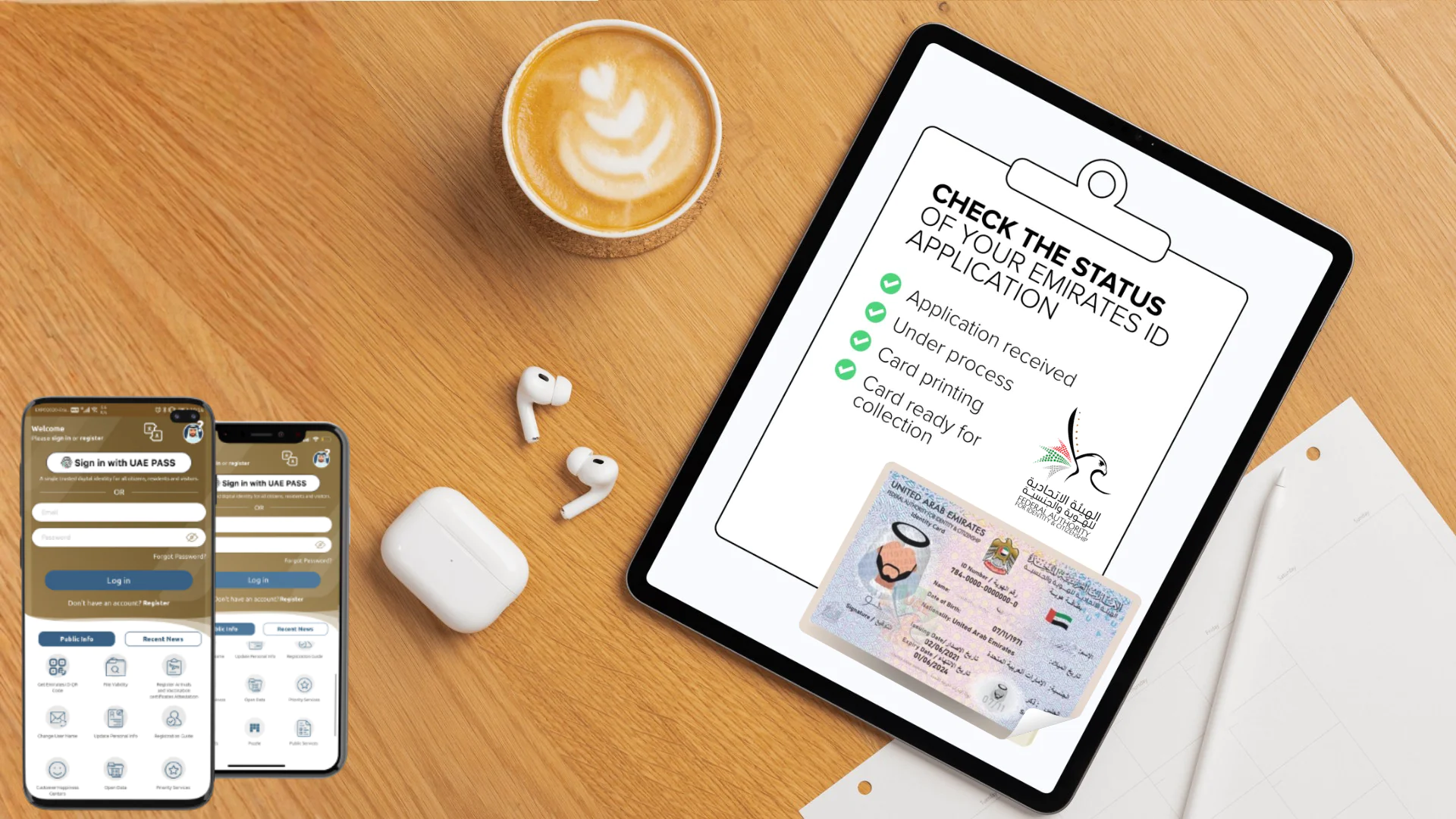

Your Emirates ID is one of the most important government documents in the UAE. It is required for almost every essential service, including healthcare, banking, travel, and government-related transactions. You can check your Emirates ID status online using your phone or computer to find out if your application is pending, approved, or if there is an objection to your application.
Whether you recently applied for a new ID, submitted a renewal request, or asked for a replacement, tracking your Emirates ID request helps prevent delays and ensures uninterrupted access to key services.
The Emirates ID is managed by the Federal Authority for Identification, Citizenship, Customs and Port Security (ICP), which handles all applications, renewals and card printing processes. Staying updated on your identity status not only helps you plan government tasks in advance but also keeps your visa and medical procedures on schedule.
This guide explains how to check your Emirates ID status online, how to track it using your passport number, and what steps to take in case of a delay.
Why Checking Your Emirates ID Status Matters
Your Emirates ID is more than just an ID card. It serves as your key to everyday life in the UAE. Monitoring your application allows you to:
- Confirm when your Emirates ID is ready before travel, healthcare appointments, or official documents.
- Avoid service disruptions during renewals or replacements.
- Stay updated on processing timelines and collection dates.
- Checking your status is straightforward, and the UAE’s Federal Authority for Identification, Citizenship, Customs and Port Security (ICP) offers several easy ways to do so.
Four steps when checking the status of your Emirates ID
When submitting your application, make sure you have completed all required checks correctly.
How to check Emirates ID status online
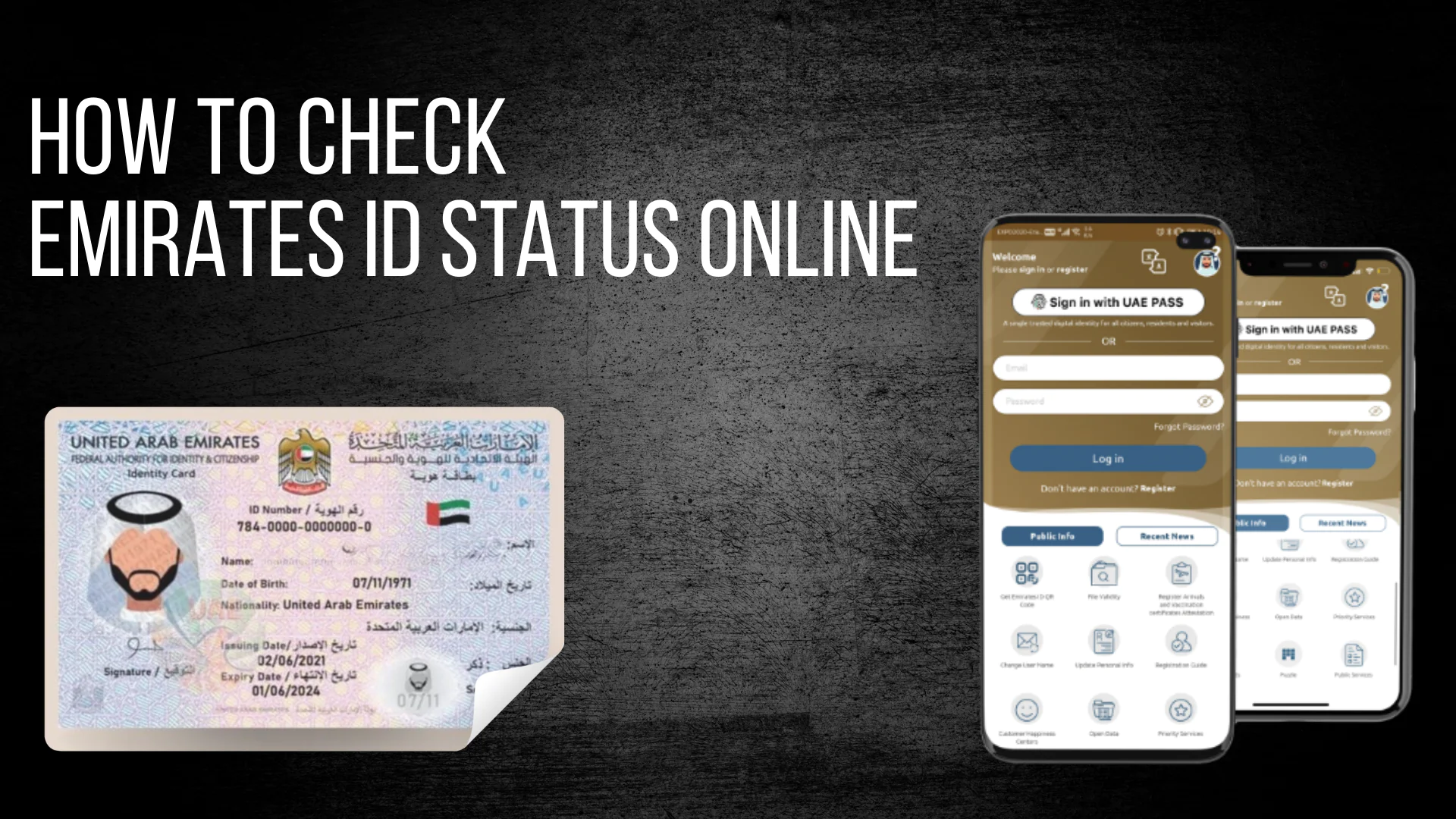
You can track the progress of your Emirates ID application directly through the official ICP website. Follow these steps:
- Visit the ICP Website Emirates ID Status page.
- Enter your application number for new applications or your Emirates ID number for renewals or replacements.
- Click on “Check Status.”
- Review your application details. The system will display your current stage, such as:
- Application received
- Under processing
- Card printing
- Card ready for collection
You can also use the ICP mobile app, which provides the same features and sends push notifications whenever your ID status is updated.
If you are checking applications for family members or dependents, the ICP portal allows you to manage multiple applications under one account, making it easy for everyone to track progress at once.
How to Track Emirates ID with Your Passport Number
READ ALSO: UAE VISA STATUS CHECK
If you have applied for an Emirates ID but have not yet received your application number, you can still check your status using your passport details.
Follow these steps:
Go to the ICP Smart Services portal.
Enter your passport number along with your nationality.
Click on “Search.”
This option is especially useful for new residents who have completed their medical fitness test and visa formalities but have not yet been assigned an Emirates ID number.
It is also helpful for first-time applicants who are awaiting document verification or applying from outside the UAE under employment or residential sponsorship.
Other ways to check your Emirates ID status
If you prefer direct assistance, there are additional official options available:
ICP Customer Service Hotline: Call 600 522222 to speak with an ICP representative, who can provide updates on your Emirates ID application or renewal status [2].
ICP Smart Services Portal: Log in to your account to view additional application details and document updates.
Both options are available in English and Arabic, ensuring easy access for residents and visitors.
For added convenience, you can also visit authorized ICP typing centers, where staff can check the status of your application and help resolve issues related to document uploads or incorrect personal information.
How long does it take to get an Emirates ID?
The processing time for an Emirates ID depends on your application type and location:
- New Emirates ID: It usually takes 7-10 working days to complete your visa medical test and submit all required documents.
- Renewal: Usually processed more quickly but may vary based on demand.
- Urgent or VIP services: Available for an additional fee if you need the card earlier.
If you have recently completed your Smart Salem visa medical, your Emirates ID process should start shortly after your results are submitted to ICP.
In some cases, processing may take longer due to multiple applications, document checks, or mismatched information between your visa, passport, and Emirates ID application. Regularly checking your status online helps ensure that any issues are detected and resolved quickly.
What to do if there are delays
If your Emirates ID application is taking longer than expected, consider the following steps:
Contact ICP: Call 600 522222 or submit an enquiry through the ICP website.
Verify your documents: Make sure your passport, visa, and Emirates ID application number are accurate.
Track your status frequently: Monitoring your progress on the ICP portal helps you stay informed about important updates.
In rare cases, delays may occur due to incomplete details, document verification, or high application volume.
If you are renewing your ID as part of the visa process, please confirm that your medical fitness test results have been received by ICP. Same-day Smart Salem results are automatically submitted to help prevent delays in your Emirates ID application timeline.
Renewal and replacement: staying on top of your Emirates ID
Your Emirates ID is typically valid for 2–10 years, depending on your residency category. Timely renewal is necessary before expiry to avoid fines or service disruptions.
If your Emirates ID is lost, stolen or damaged, you should apply for a replacement through the ICP website or a service centre. Reporting the loss immediately helps prevent unauthorised use.
Conclusion: stay updated on your Emirates ID easily
Checking your Emirates ID status is fast, reliable, and helps ensure you are always prepared for government requirements. Whether you use the ICP website, passport tracking, or the hotline, staying informed reduces delays and helps you manage your renewal with confidence.
