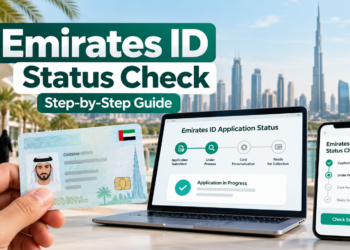
















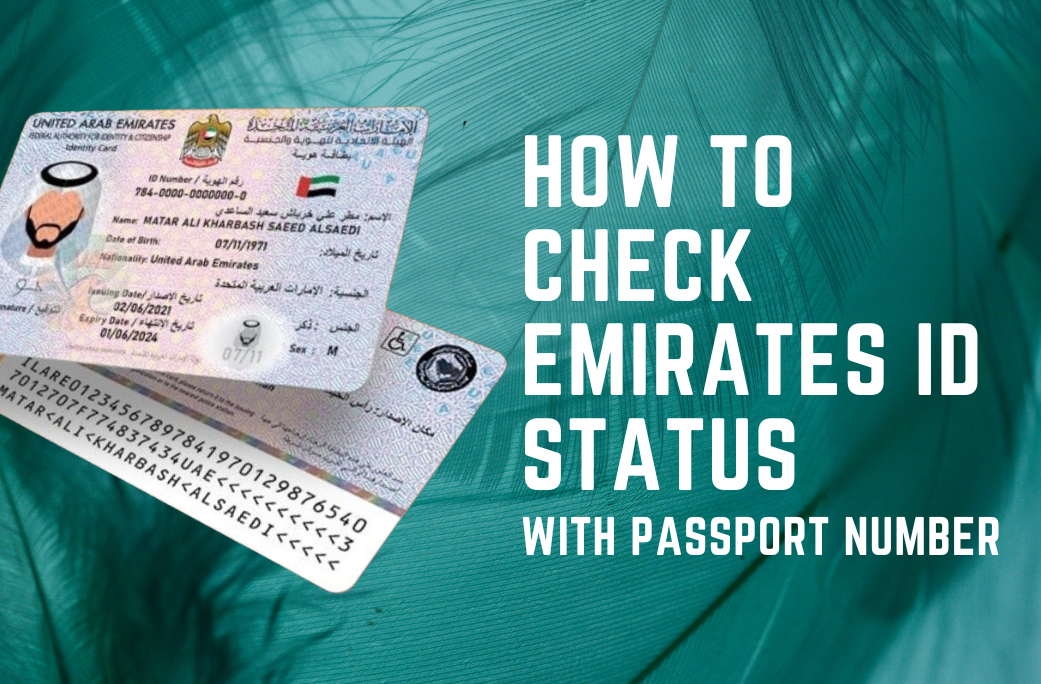
Can You Check Emirates ID Status Using a Passport Number?
Short answer: Not through the public ICP ID Card Status checker alone. That checker requests a PRAN, existing ID number or request reference. Many online guides mix up Emirates ID applications with UAE visa validity checks, which may offer passport-based searches through the relevant authority.
This page explains the difference so you can choose the correct service without sharing your passport data on an unofficial site.
| What you need to find | Official route |
|---|---|
| New Emirates ID card application progress | ICP ID Card Status using PRAN or request reference |
| Renewal or replacement progress | ICP ID Card Status using existing ID or request reference |
| UAE visa validity using passport details | Relevant ICP or Dubai GDRFA visa service, where offered |
How to find your Emirates ID PRAN
- Check the application or payment receipt issued when the Emirates ID request was submitted.
- If your employer or sponsor applied, ask them for the application reference.
- If you submitted the application yourself, review your requests in ICP Smart Services.
- Use the official ID Card Status checker with the appropriate number.
For the complete Emirates ID status guide, including error messages, renewal and delivery, see our main resource. For a short three-step application check, use our quick guide; for broader services see the Emirates ID renewal and fines directory.
Editorial clarification (October 2026): Older advice below may refer to passport-based visa enquiries rather than Emirates ID issuance. Follow the official distinctions explained above instead.
Passport number versus Emirates ID application number
An Emirates ID is issued by the UAE’s Federal Authority for Identity, Citizenship, Customs and Port Security (ICP). Passport numbers may be useful for certain visa validity enquiries, but ICP’s dedicated ID Card Status page specifically asks for a PRAN, IDN or request number.
If you have a passport but no PRAN
- Find the receipt or acknowledgement for the Emirates ID application.
- Ask your employer, sponsor or typing centre for the application reference, if they submitted it.
- If the application was filed in your ICP account, review My Applications or My Requests in ICP Smart Services.
- Visit the official Emirates ID application-status checker and enter the requested reference.
What if you actually need to check UAE residence visa validity?
Use the proper visa enquiry service for your issuing emirate. The official processes may differ between ICP and GDRFA Dubai, and their requirements can change. For visa-specific instructions, use the GulfInside UAE visa status with passport number guide.
How to interpret the result
The portal may report that an application is under review, that additional details are required, that a card has been issued or that delivery is pending. Exact messages vary. For full explanations and next steps, use our comprehensive Emirates ID status guide.
Security: Never enter your passport number, ID number, password or one-time security code into a lookalike third-party checking form. GulfInside does not process applications or collect identity documents.