

If you want to know how to check visa UAE visa status with passport number and needs to be renewed, You can quickly check your visa status using your passport number. This is especially important if you are planning to set up a business in Dubai, as staying on top of your visa validity helps avoid delays in licensing and approvals.
Whether you have a visit visa or a residence visa, knowing the expiration date in advance helps you stay organized and avoid overstaying fines in the UAE.
In this detailed guide, we walk you through the steps to check your UAE visa status by passport number using official government platforms like ICA and GDRFA.
Why You Should Regularly Check Your UAE Visa Status
Keeping track of your visa status helps ensure that you comply with UAE immigration laws. Here’s why regular monitoring is important:
- Avoid overstay penalties – The UAE imposes penalties for overstaying your visa, so being aware helps you avoid unnecessary expenses.
- Maintain legal residency – A valid visa is required to live, work, or run a business in the UAE.
- Plan renewals and travel smoothly – Knowing your visa expiration date makes it easier to arrange renewal and travel without interruption.
- Confirm sponsor and employment details – You can double-check your visa type, sponsorship information, and validity.
- Support business compliance – Business owners and investors must have a valid residency visa to work legally in the UAE.
How to Check UAE Visa Status With Passport Number
How to check uae visa status with passport number
The UAE government provides two official online platforms where you can check your visa status:
- ICA Smart Services (Federal Authority for Identity and Citizenship)
- GDRFA Dubai (General Directorate of Residency and Foreigners Affairs – Dubai)
Let’s take a closer look at how each one works.
1. Check UAE Visa Status via ICA Smart Services
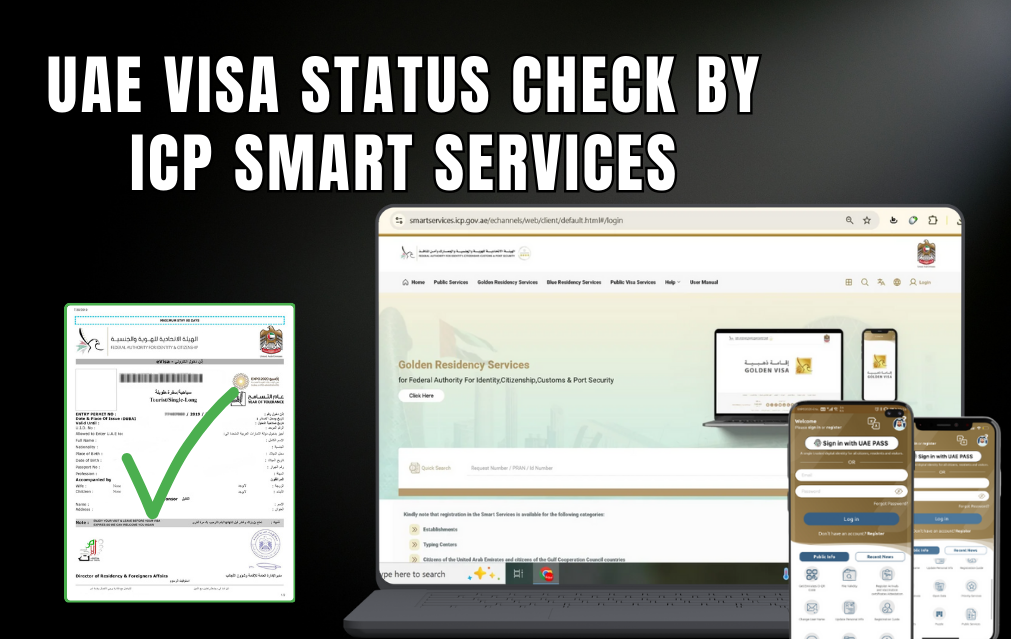
Check UAE Visa Status via ICA Smart Services
READ ALSO: EMIRATES ID STATUS CHECK ONLINE
ICA Smart Services is a leading platform used by residents and visitors of Abu Dhabi, Sharjah, Ajman, Ras Al Khaimah, Fujairah, and Umm Al Quwain to check visa details.
How to check your UAE visa status through ICA:
-
Visit the official ICA website: https://smartservices.icp.gov.ae/echannels/web/client/default.html#/fileValidity
-
Choose the option to search using passport information.
-
Enter the required details carefully:
-
Passport number
-
Passport expiry date
-
Nationality
-
-
Click on Search.
Once submitted, the system will display key visa information, including:
-
Visa type such as residence, employment, visit, or investor
-
Visa number and date of issue
-
Expiry date and current status
-
Sponsor details
The ICA system is updated in real time, so the information you see is accurate and up-to-date.
2. Dubai Visa Status Check via GDRFA Portal
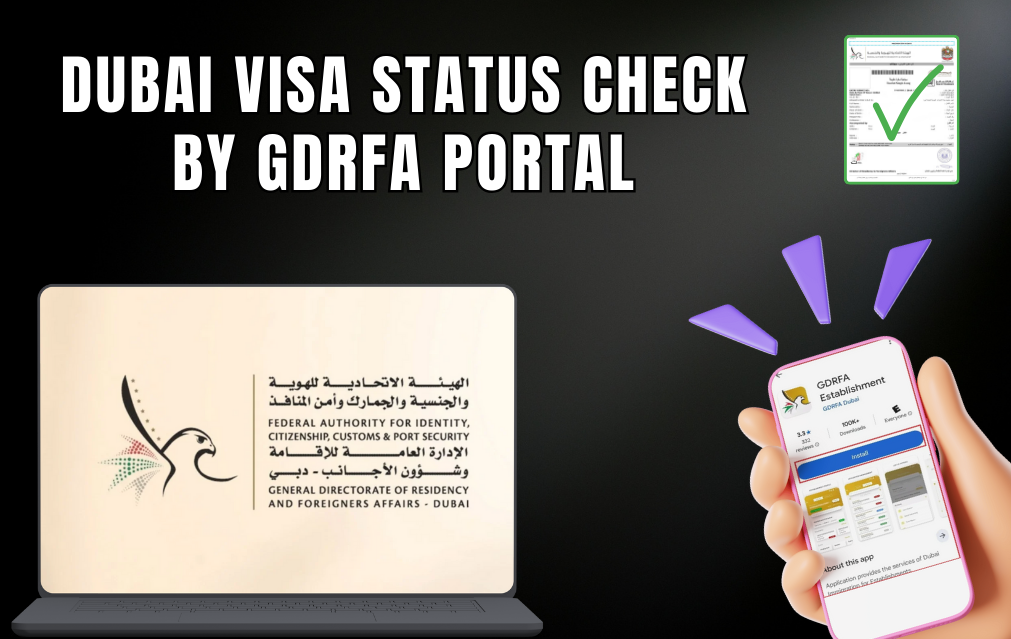
If your visa was issued in Dubai, you will need to check it through the GDRFA portal instead of the ICA. The GDRFA is the authority responsible for all visa and residency matters within Dubai.
How to check your Dubai visa status using GDRFA:
-
Visit the official website: https://smart.gdrfad.gov.ae/Public_Th/StatusInquiry_New.aspx
-
Switch the language to English if the page opens in Arabic.
-
Enter the required information:
-
Application or reference number
-
Passport number or year of birth
-
-
Click Submit to view your visa status.
Once you submit the details, you can see information such as:
-
Current status of your application
-
Visa approval or issue date
-
Validity period and expiry date
This portal is especially useful for residents and employers who want to track visa applications or manage renewals in Dubai.
3. Check Dubai Visa Status Through Amer (Dubai Residents Only)
If your visa was handled through the Amir Center in Dubai, there are several easy ways to check its status.
Ways to check your visa status:
-
Call the Amer helpline:
-
Within the UAE: 800 5111
-
From outside the UAE: +971 4 313 9999
-
-
Email inquiry:
Send your passport number along with your application details to amer@dnrd.ae. -
Online inquiry:
Visit https://amer.gdrfad.gov.ae/visa-inquiry and enter your application number and passport information.
These options are especially helpful for people waiting on Dubai work visas, visa renewals, or family sponsorship approvals.
How to Check Visa Status in Abu Dhabi and Other Emirates
For visas issued outside Dubai, such as in Abu Dhabi, Sharjah, Ajman, Ras Al Khaimah, Umm Al Quwain, and Fujairah, the ICA Smart Services Portal is the most reliable option.
How to check your visa details:
-
Visit the ICA Smart Services website.
-
Enter your passport number, passport expiry date, and nationality.
-
Click Search to view your visa information.
This single platform covers all non-Dubai emirates and pulls data directly from the UAE immigration system, so the visa validity details you see are accurate and up-to-date.
What Information You Can Access
When checking your visa status by passport number, the online system typically displays:
|
Information Type |
Details Provided |
|
Visa Type |
Employment, Residence, Tourist, Investor, Family, or Student |
|
Issue & Expiry Date |
Start and end date of visa validity |
|
Visa Number |
Official visa reference number |
|
Current Status |
Active, Expired, Under Renewal, or Cancelled |
|
Sponsorship Information |
Name of sponsor or employer |
|
Entry/Exit Record |
Dates of entry and exit from UAE (if applicable) |
Check UAE Visa Status Through Mobile Apps
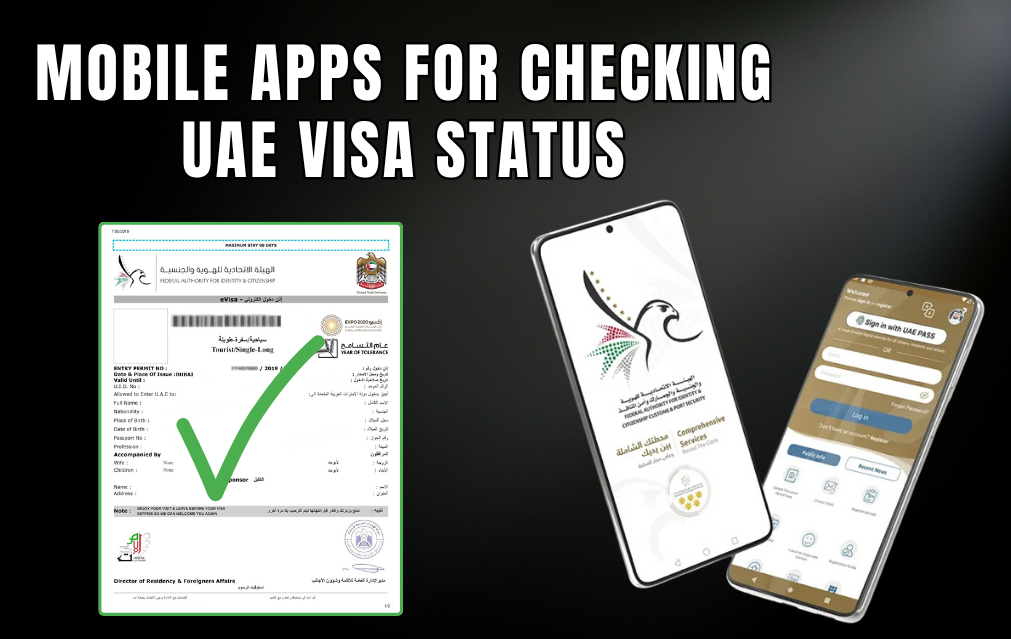
You can also check your visa validity using official UAE mobile apps, which makes the process even more convenient.
ICA UAE Smart App
Available on both iOS and Android, this app lets you check your visa status using your passport number. It provides real-time visa information as well as features like residency status, renewal reminders, and links to your Emirates ID.
GDRFA Dubai App
This app is designed for Dubai residents and visitors. It allows you to track visa applications, check validity, and manage renewals directly from your phone. It also supports biometric login for added security.
Both apps give you quick access to updates without the need to visit immigration offices.
How to Check the UAE Visa Status Offline?
You can also check your Dubai visa status offline, though it may take longer.
One option is to call the Federal Authority for Identity, Citizenship, Customs and Port Security (ICP) helpline and request your visa information. Another way is to visit the nearest UAE embassy, present your documents at the helpdesk, and ask for assistance.
Common Problems and How to Fix Them
1. No Record Found
2. Expired Visa
Make sure to renew your visa before it expires, either through your employer, sponsor, or an authorized agent. If you overstay, be prepared to pay any applicable fines.
3. Incorrect Visa Details
If you find any errors, contact ICA or GDRFA support immediately to correct them. Always keep copies of your passport and Emirates ID for reference.
4. Renewed Passport Issue
Tips for a Smooth Visa Verification Experience
- Always use official UAE government portals and avoid third-party websites.
- Make sure all personal information matches your passport exactly.
- Use a stable internet connection when submitting forms online.
- It’s a good idea to save a screenshot or printout of your visa validity page.
- If you run into any problems, contact Amer, ICA, or GDRFA support directly.
Stay Legally Compliant in the UAE
Whether you are a resident, employer, or visitor, regularly checking your UAE visa status using your passport number helps you stay compliant and worry-free. ICA Smart Services and the GDRFA Dubai portal are the most trusted sources for real-time visa information.
Always keep your documents up to date, verify your visa before traveling, and renew it on time to avoid fines or any complications.
