
















If you have an account with First Abu Dhabi Bank (FAB), checking your balance is straightforward once you know which service to use. You can view your account balance and transaction history through FAB Mobile and FAB Internet Banking. ATMs and customer support are other options when you need help. If you are comparing digital banking options, you can also read our guide to checking an Emirates NBD account balance.
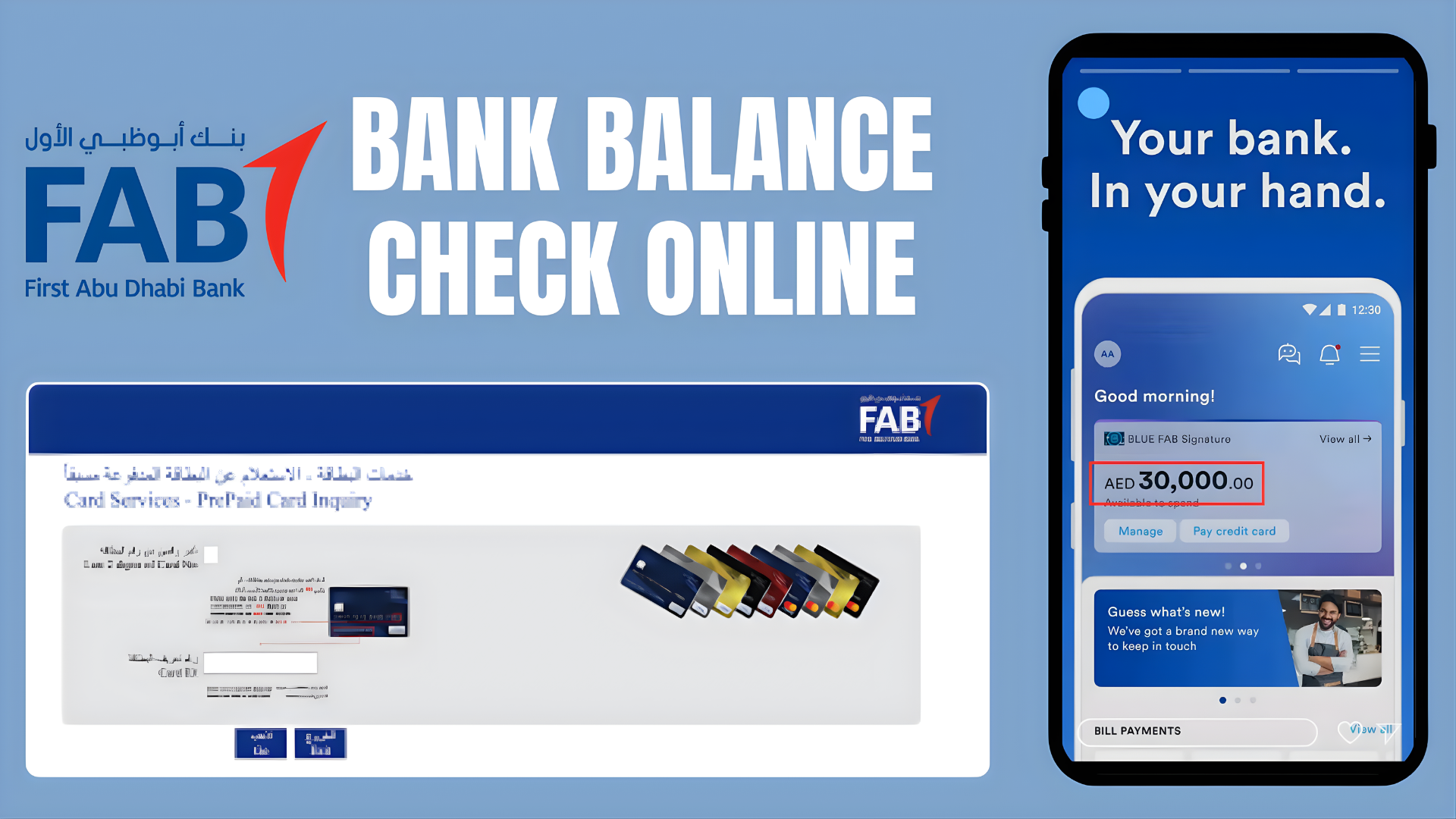
In this guide, I’ll explain how to check your FAB bank balance online, where to find your transaction history, how to get help if you cannot log in, and what to know if you use a Ratibi or prepaid card.
FAB Balance Check Online UAE (2026): Start Here
Looking for a FAB balance check, FAB bank balance enquiry, FAB balance inquiry or FAB balance check online? The right method depends on what you actually have: a First Abu Dhabi Bank current or savings account, a Ratibi salary card, or another prepaid card. GulfInside provides instructions only; we cannot view your balance and will never ask you to enter confidential banking information on this website.
For a regular FAB bank account: use the official FAB Mobile service, FAB’s website, or an ATM. For Ratibi prepaid salary cards: start on FAB’s official Ratibi page and follow its Ratibi Prepaid Card Balance Enquiry link.
Never enter your password, PIN, OTP, Card ID, Emirates ID or full card number into a third-party article’s form. This guide is not a bank or balance-checking portal.
Which FAB balance-check method should you use?
| Account or card | Best starting point | What you need |
|---|---|---|
| FAB current or savings account | FAB Mobile or official internet banking | Registered banking credentials and any required authentication |
| FAB debit-card-linked account | FAB Mobile, online banking or supported ATM | Account access or debit card and PIN at ATM |
| FAB Ratibi salary card | Official Ratibi prepaid-card enquiry link on FAB website | Details requested by the current official portal |
| Other Magnati/FAB prepaid card | Issuer’s official instructions for that specific product | Product-specific details shown by the authorized service |
| FAB credit card | Official FAB Mobile/online banking | Login credentials; look for the card balance, transactions and available limit |
Do not confuse a bank account balance with a salary-card balance or the available credit on a credit card. Even when all three products are associated with FAB, they may not support identical enquiry methods.
FAB balance check online: official links and what each one does
- FAB Mobile: FAB mobile banking information for eligible account and card holders.
- FAB personal banking: First Abu Dhabi Bank official website, where customers can navigate to official account login and support services.
- Ratibi salary card: Official FAB Ratibi page. FAB provides a prepaid-card balance enquiry link for existing cardholders.
- Customer support: use the contact details published on the official FAB website or printed on your bank card.
Why not put a balance enquiry form directly on this page? Because a news website should not collect banking credentials or prepaid-card identifiers. Open the issuer’s secure site directly and check the address in your browser before entering any details.
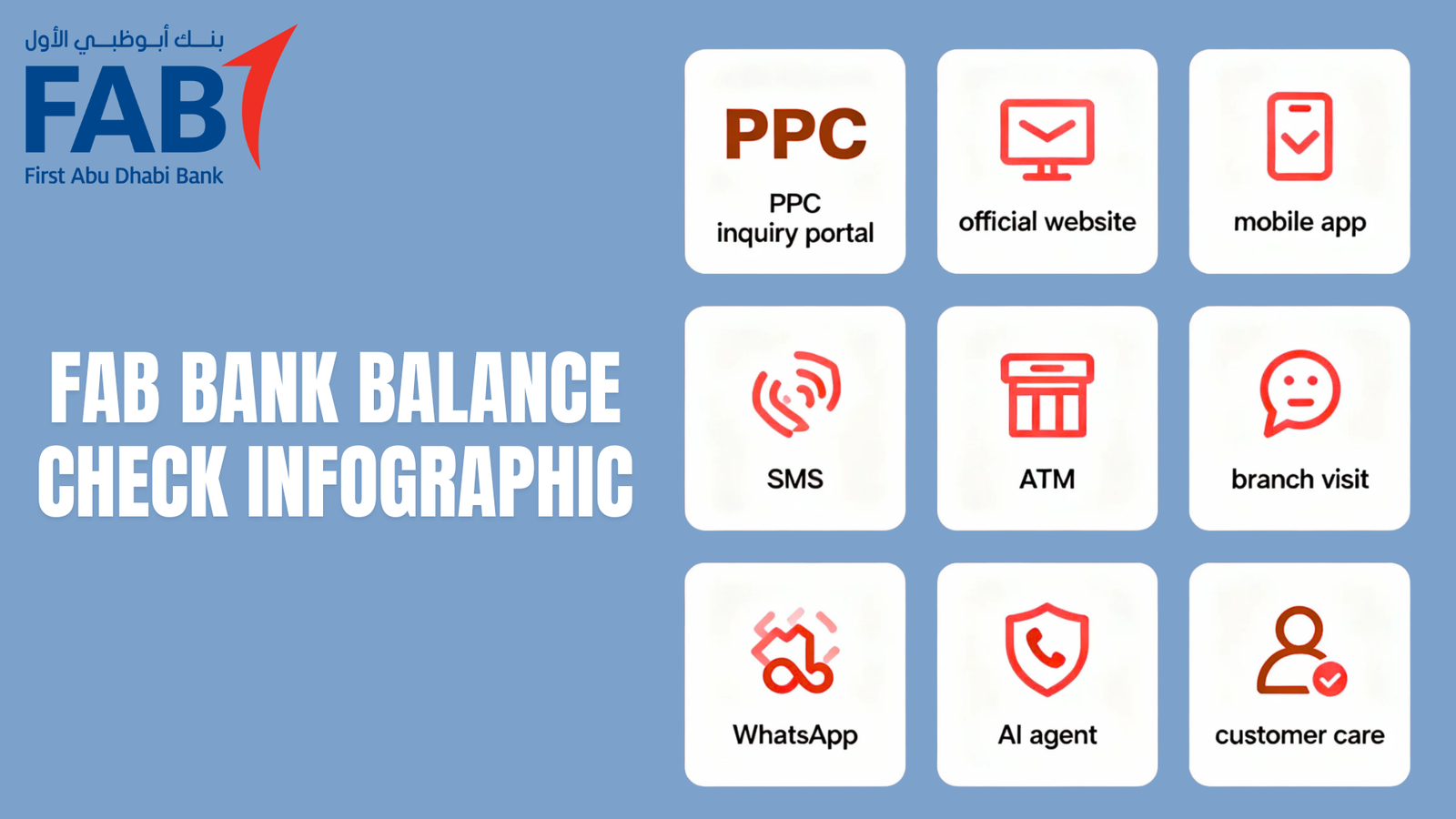
Quick Answer: How Can I Check My FAB Bank Balance?
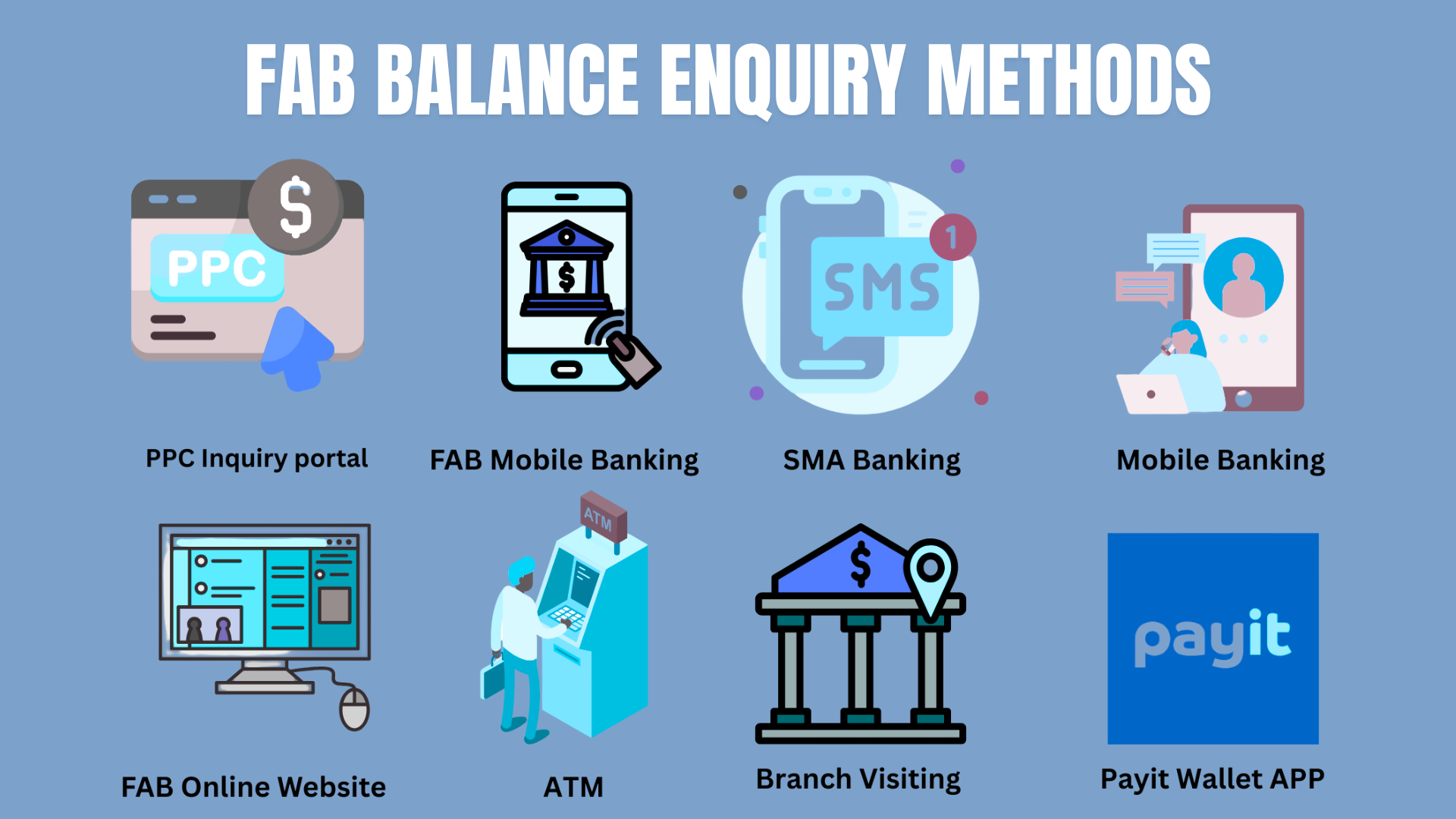
For most customers, the easiest way is through the official FAB Mobile app.
- FAB Mobile: Log in and open your account details to view your balance.
- FAB Internet Banking: Sign in through FAB’s official website and select your account.
- FAB ATM: Use an eligible card and follow the on-screen balance enquiry instructions.
- FAB customer support: Contact the bank if you cannot access your account or need assistance.
FAB confirms that customers can view account balances and transaction history through its mobile banking service. You can check the available features on the official FAB Mobile page.
1. How to Check FAB Balance Through the Mobile App
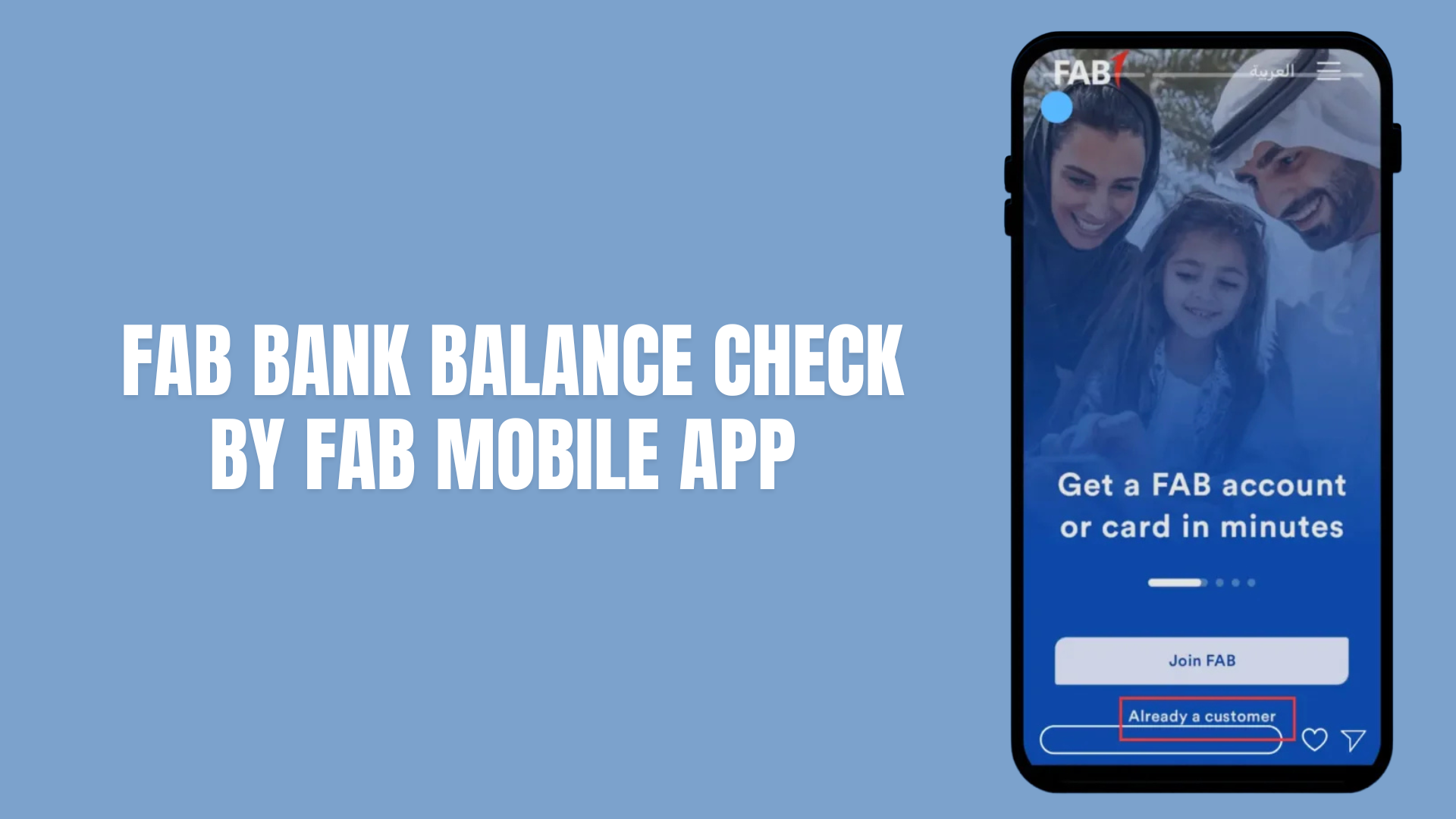
FAB Mobile is a convenient option if you want to check your balance using your phone. The app also provides access to transaction details, e-statements and other banking services, depending on your account and card.

Steps to check your balance
- Download the official FAB Mobile app from the Apple App Store, Google Play or Huawei AppGallery.
- Open the app and sign in using your registered banking credentials.
- Go to the accounts section or the relevant account displayed on your home screen.
- Select the account you want to check.
- Review the displayed balance and recent transactions.
The exact menu names may change when FAB updates the app, so follow the options shown in your current version.
Tip: Download the app only from an official app store or access it through FAB’s official website. Avoid links sent by unknown people or posted on unofficial websites.
What else can you do with FAB Mobile?
Besides checking your balance, the app supports several everyday banking tasks, including:
- Reviewing and searching transactions
- Downloading transaction history and available e-statements
- Finding your IBAN
- Managing eligible debit and credit cards
- Reviewing card transactions and controls
- Making transfers and managing beneficiaries
- Raising and tracking service requests
Available features depend on the type of account or card you hold. You can find the current list on FAB’s official Mobile Banking page.
2. How to Check FAB Bank Balance Online
If you prefer using a laptop or desktop computer, FAB Internet Banking is another option.
Steps to check your balance online
- Visit the official FAB website.
- Find the Internet Banking login option.
- Sign in using your registered credentials.
- Complete any security verification requested by the bank.
- Open your account information.
- Select the relevant account to view its balance and transaction history.
Make sure the website address is correct before entering your login details. Do not use a link from an unexpected message claiming that your account needs urgent verification.
If you cannot sign in, use the official account-recovery options rather than sharing your password or security codes with someone offering to help.
3. Can You Check Your FAB Balance Through SMS or USSD?
Some banking services offer SMS or USSD balance enquiries, but the availability and instructions depend on the bank and the particular account or card.
I could not verify a current, general FAB SMS number or USSD code for checking every type of account balance. For that reason, it is better not to rely on an unverified code or send a message to a number found on an unofficial website.
Instead, use FAB Mobile, Internet Banking or the contact details published on FAB’s official website. If you need a non-internet option, ask the bank whether an appropriate service is available for your specific account or card.
4. How to Check Your FAB Balance at an ATM
You can also use an eligible FAB card at an ATM to check your balance.
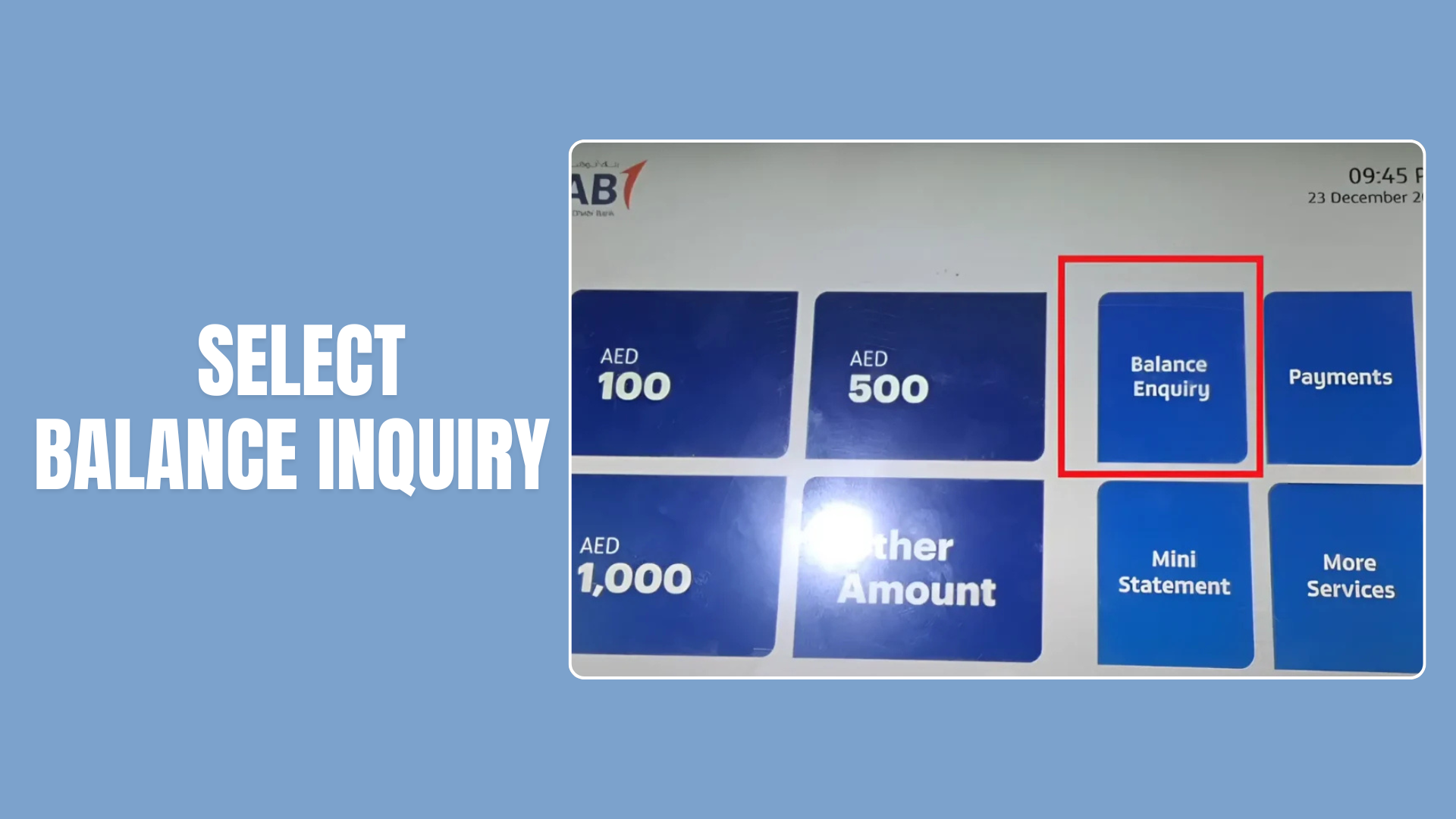
Follow these general steps:
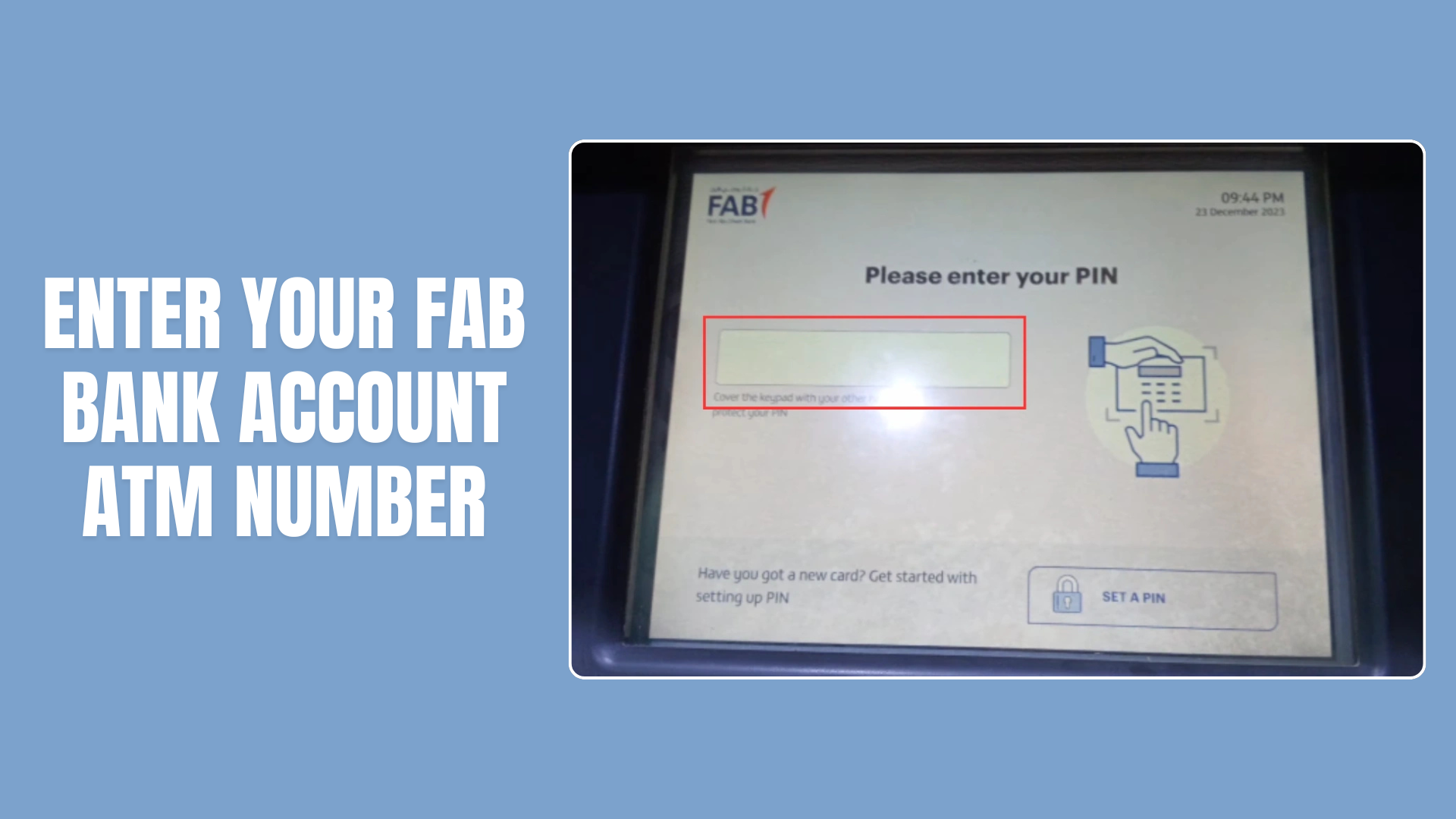
- Visit a suitable FAB ATM.
- Insert your card or follow the ATM’s on-screen instructions.
- Enter your PIN privately.
- Select the balance enquiry option, if available.
- Review the displayed balance and follow the instructions to finish your session.
The available options may differ according to the card and account. If you use another bank’s ATM, check any applicable fees and service conditions before proceeding.
To find a nearby machine, use FAB’s official Help and Support page, which provides access to its branch and ATM locator.
5. How to Check a FAB Salary or Ratibi Card Balance
If you receive your salary through a Ratibi card or use another FAB prepaid card, the process may differ from checking a regular bank account.

First, identify the exact card you have and use the service FAB provides for that product. Do not assume that every salary card has the same login process or balance enquiry method.
For more specific guidance, read our separate guide: How to Check Ratibi Card Salary Account Balance.
If you are unsure which method applies to your card, contact FAB or use the official information provided with your card. Never enter your card details, PIN or one-time security code on an unofficial balance-checking website.
6. How to Contact FAB if You Cannot Check Your Balance
If you cannot access FAB Mobile or Internet Banking, contact the bank through its official support channels.
FAB currently lists these personal banking contact numbers:
| Where you are calling from | FAB contact number |
|---|---|
| Within the UAE | 600 52 5500 |
| Outside the UAE | +971 2 681 1511 |
Check the official FAB contact page before calling, as contact details and service arrangements can change.
You may be asked to complete identity or account verification before the bank discusses your information. Never disclose your banking password, PIN or security code to another person.
If the app is not working, check your internet connection, update the app if needed and review FAB’s service-status page for information about temporary interruptions.
7. Can You Download a FAB Bank Statement Online?
Yes. FAB Mobile supports access to electronic statements and transaction information, and other statement services may be available through Internet Banking.
To look for a statement:
- Sign in to FAB Mobile or Internet Banking.
- Open the relevant account or card.
- Look for the statements or e-statements section.
- Select the available statement period.
- Download the statement if the option is provided.
The menu and available statement periods may vary. If you cannot find the document you need, use FAB’s official support channels for assistance.
8. Tips for Checking Your FAB Balance Safely
Banking details should be handled carefully, even when you only want to check a balance.
Keep these precautions in mind:
- Use the official FAB app or website.
- Never share your password, PIN or one-time security code.
- Avoid signing in through links sent by unknown contacts.
- Keep your phone and banking app updated.
- Review transactions and report anything you do not recognise.
- Never approve a transaction you did not initiate.
- If you suspect fraud, contact FAB promptly using an official number.
FAB also publishes security guidance for customers. Review it if you receive a suspicious message or think someone may have accessed your banking details.
Frequently Asked Questions
How can I check my FAB bank balance online?
Sign in to the official FAB Mobile app or FAB Internet Banking and open your account information. Both services support viewing account balances and transaction history.
How do I check my FAB balance on my phone?
Download FAB Mobile from an official app store, sign in and select your account. The app displays the available account information and provides access to transaction details.
Can I check my FAB credit card balance online?
FAB provides credit-card services through its digital banking channels. Sign in to the official app or Internet Banking and select the relevant card to see the available information and features.
Can I check my FAB balance without internet access?
A FAB ATM or customer support may be an alternative. SMS and USSD availability should be confirmed directly with FAB for your specific card or account rather than relying on an unverified code.
What is the FAB customer-care number in the UAE?
FAB lists 600 52 5500 for personal banking customers calling within the UAE. From outside the UAE, the listed number is +971 2 681 1511. Confirm the details on FAB’s official contact page before calling.
Is FAB Mobile available for Android and iPhone?
Yes. FAB states that FAB Mobile is available for Apple and Android devices. Its official website also lists Huawei AppGallery as a download option.
What should I do if I cannot log in to FAB Mobile?
Check your internet connection and make sure you are using the official, updated app. Use the available recovery option or contact FAB through its official support channels if the problem continues.
Is it safe to check my FAB balance online?
It can be safe when you use official banking channels and protect your login details. Never share your PIN, password or security code, and contact the bank if you notice suspicious activity.
FAB balance enquiry: common problems and how to fix them
1. FAB balance is not showing in the app
First confirm that you are signed in to the official FAB Mobile app and selected the correct account or card. A card transaction may be pending, your session may have expired, or the app may need updating. Close and reopen the app, check your internet connection and use its account-selection controls. If the balance is still missing, contact FAB through the support channel on its official website. Do not share screenshots showing account numbers or personal credentials publicly.
2. FAB Ratibi salary has not arrived
A Ratibi card generally receives wages through the employer’s payroll arrangement. If an expected salary is missing, check whether your employer has processed payroll and whether the card is active. Ask payroll or HR for the transfer status, then contact the official card support service if the problem remains. Do not assume that a missing credit means that the prepaid balance website is broken, and do not rely on an unverified fixed processing time.
3. Ratibi or Magnati portal says the details are invalid
Reopen the enquiry from the official FAB Ratibi page rather than a search advertisement or copied third-party portal. Follow the labels currently displayed on the secure page. Different unofficial guides give contradictory instructions about the number of card digits to enter, so GulfInside does not recommend a fixed number without live official confirmation. If the card has expired, been replaced or is not supported, contact the card issuer or employer.
4. Online banking password or OTP does not work
Use FAB’s official recovery flow. Verify that your registered mobile number is active and that your device has connectivity. Do not repeatedly attempt uncertain credentials or share an OTP with anyone claiming to be bank support. FAB employees should not need your full password or one-time security code to help with an enquiry.
5. Available balance differs from account balance
The balance visible on a statement and the amount available to spend are not always the same. Card authorizations, holds, uncleared transactions and other restrictions may affect available funds. Check the transaction details and ask the bank to explain any discrepancy before making a payment that depends on the disputed amount.
FAB ATM near me: finding a balance enquiry machine
Readers also search for FAB ATM near me, often because they cannot use the app or prepaid enquiry website. Start from FAB’s official branch and ATM finder via bankfab.com, or use a map service and confirm that the result is a functioning FAB-branded ATM. An ATM’s balance enquiry option and fees can vary by card and network.
- Find an accessible ATM and make sure it accepts your card type.
- Insert or tap the card where supported, and follow the ATM’s displayed instructions.
- Enter your PIN privately and choose the available balance enquiry option.
- Read the balance on screen or request a receipt if offered.
- Collect your card and any receipt before leaving. If the ATM retains your card, contact the issuer immediately.
Not all ATMs support all prepaid cards. For eligibility, balance enquiry charges or disputed transactions, rely on the issuer’s current terms rather than an unsupported promise that every enquiry is free.
FAB bank, NBAD and Ratibi: what is the difference?
FAB stands for First Abu Dhabi Bank. Some UAE residents still search for an NBAD balance enquiry because National Bank of Abu Dhabi is a legacy name associated with FAB’s history. The correct modern account access method depends on the actual product you hold, not the old bank name. Ratibi is a prepaid payroll product rather than a requirement to open an ordinary current account. FAB’s official Ratibi information says it is designed for employees earning up to AED 5,000, without needing a conventional bank account. See the official Ratibi details.
For a fuller salary-card explanation, read GulfInside’s FAB Ratibi card guide. Eligibility and supported services should always be checked against FAB’s latest terms.
FAB balance check FAQs: additional UAE searches
Can I do a FAB balance check online without visiting a branch?
Yes, many FAB account customers can check balances through official FAB Mobile or internet banking. Eligible Ratibi cardholders can follow the separate prepaid enquiry link on FAB’s Ratibi page.
What is the difference between FAB balance enquiry and FAB balance inquiry?
They mean the same task. Enquiry and inquiry are different English spellings. Both usually refer to checking the balance of a FAB account or supported card.
Can I check a FAB balance using only my Emirates ID?
Do not assume so. The information needed depends on the banking product and official authentication process. This site does not collect Emirates ID details; use the relevant authorized banking service.
Can I check FAB bank balance using a card number on any website?
No. Never enter your card number on an unrelated site offering to show your balance. Use official FAB banking or an issuer-linked prepaid enquiry service reached from FAB’s own page.
Does FAB balance check show my salary payment history?
For ordinary FAB accounts, supported app or online banking features may include transactions and statements. A Ratibi prepaid card may have a different transaction display. If you need a formal salary statement, ask your employer or the issuer about available records.
How do I check a FAB balance if I do not have internet?
A supported ATM, official phone service or branch may be appropriate. Check which services your particular account or card allows. An SMS salary-credit alert is not always an on-demand balance enquiry.
Is there a FAB balance check charge?
Charges depend on the enquiry method, card type and ATM network. Check the bank’s current schedule of charges or the ATM fee disclosure before requesting a paid service.
Can GulfInside check my balance for me?
No. GulfInside is an independent information publisher, not First Abu Dhabi Bank or Magnati. We cannot access account data or initiate a banking balance enquiry on your behalf.
Final Thoughts
Checking your FAB bank balance in the UAE does not need to be complicated. For most customers, FAB Mobile is a convenient starting point, while Internet Banking offers another way to view account information from a computer. ATMs and customer support can help when digital access is unavailable.
The important thing is to use official channels and avoid unverified balance-checking codes or websites. If you have a Ratibi or prepaid card, check the instructions for that specific product rather than assuming the process is identical to a regular account.