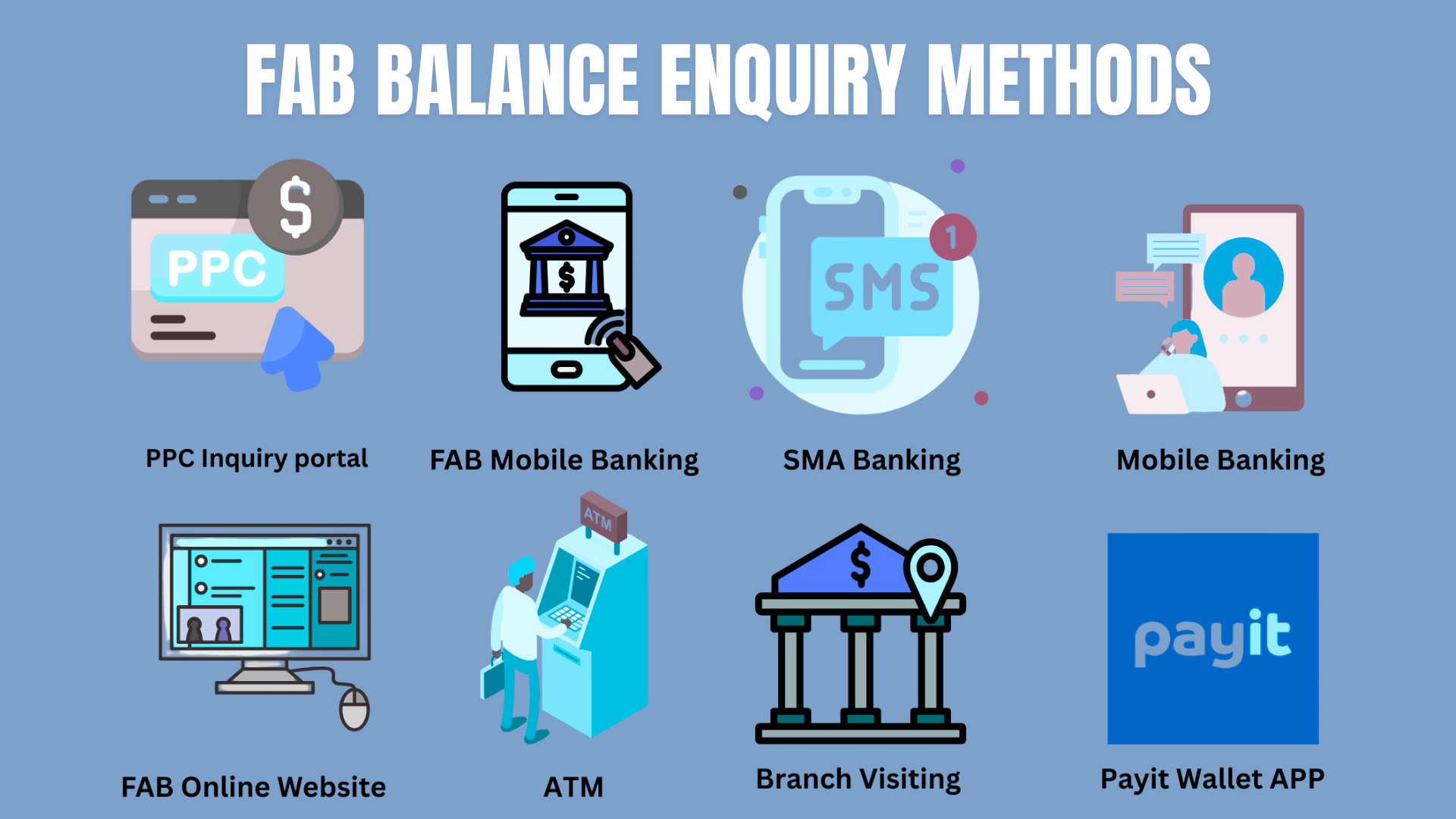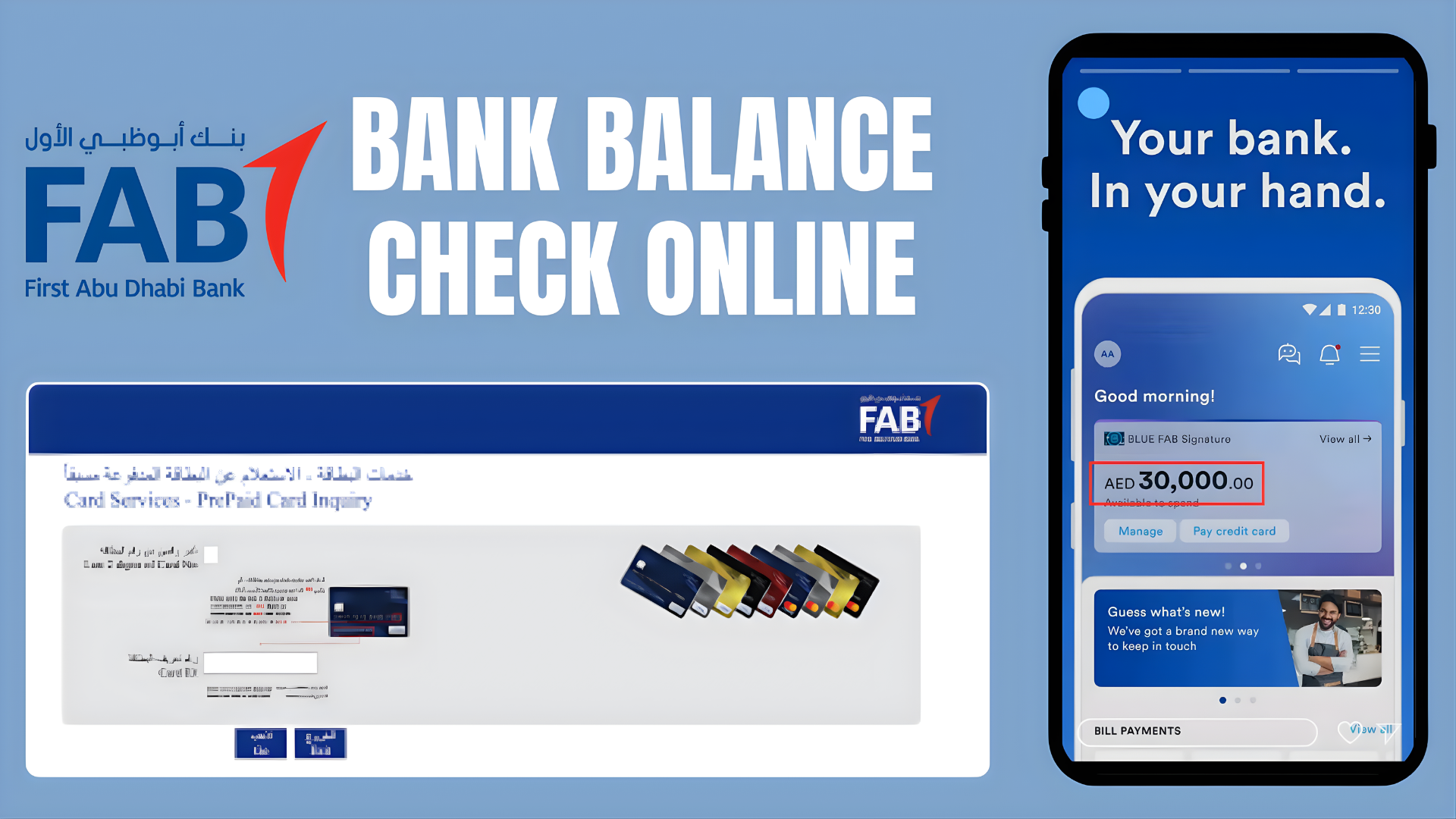
In today’s digital world, banking is literally at your fingertips, and FAB (First Abu Dhabi Bank) has made it possible. Now, FAB customers h
In today’s digital world, banking is literally at your fingertips, and FAB (First Abu Dhabi Bank) has made it possible. Now, FAB customers have access to FAB balance checks, send money internationally, grow their business and manage their finances online. FAB provides unique and secure solutions for every need.
From checking your FAB balance inquiry to managing complex financial goals, FAB Online Banking offers a full range of services that bring the bank to you. Whenever and wherever you need it.
10 Super Fast Ways to Check Fab Balance Online
Without registering your mobile number for FAB Online Banking, you cannot check FAB Bank balance or make online transactions.
How to check fab bank balance online?
The registration process is not rocket science, the screen asks for important instructions one by one, and after filling them, you can be registered. However, I still provide a table below the methods section, so that you can clearly understand at a glance whether you have questions related to FAB balance or not. Ratibi card salary check online.
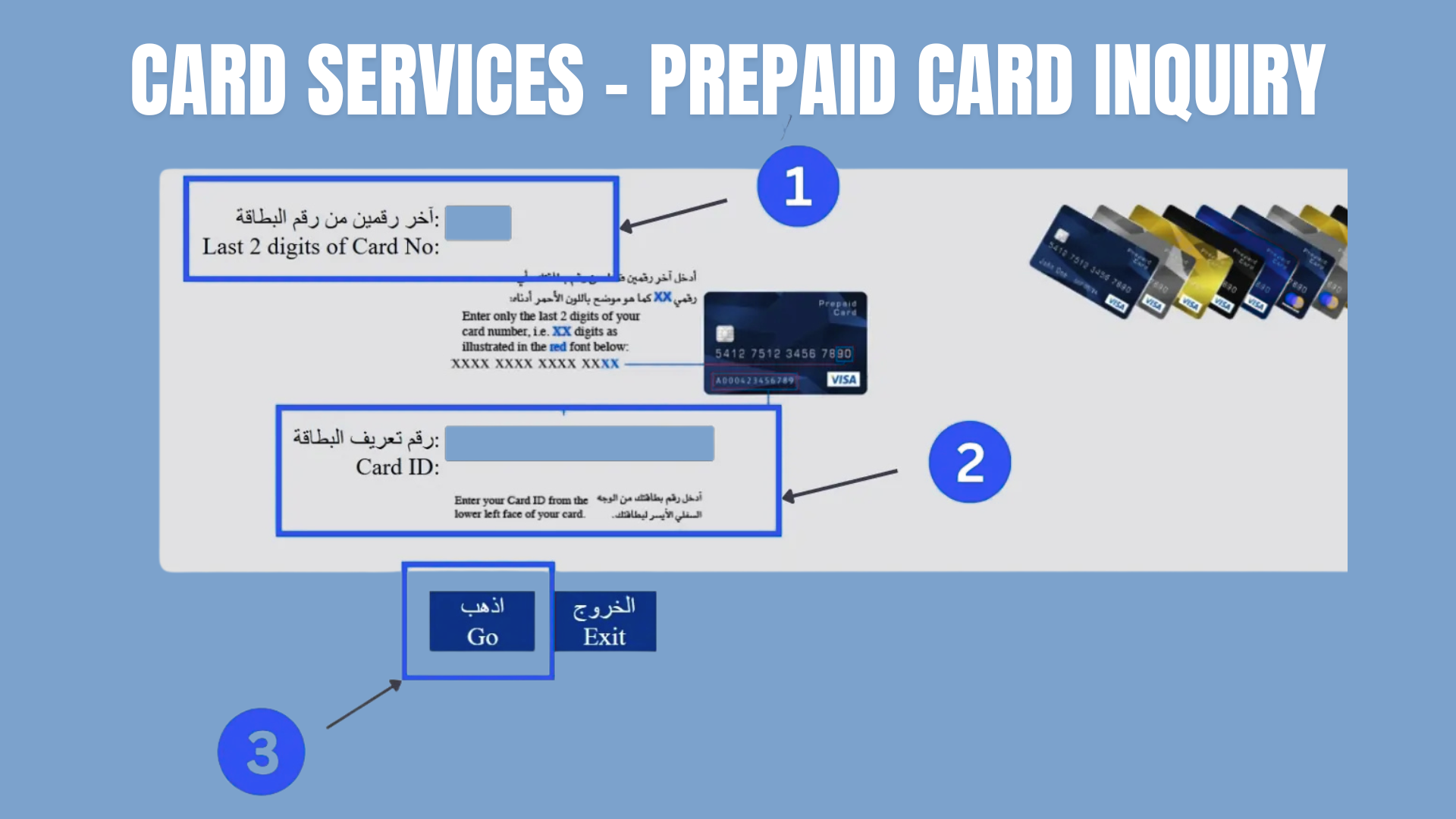
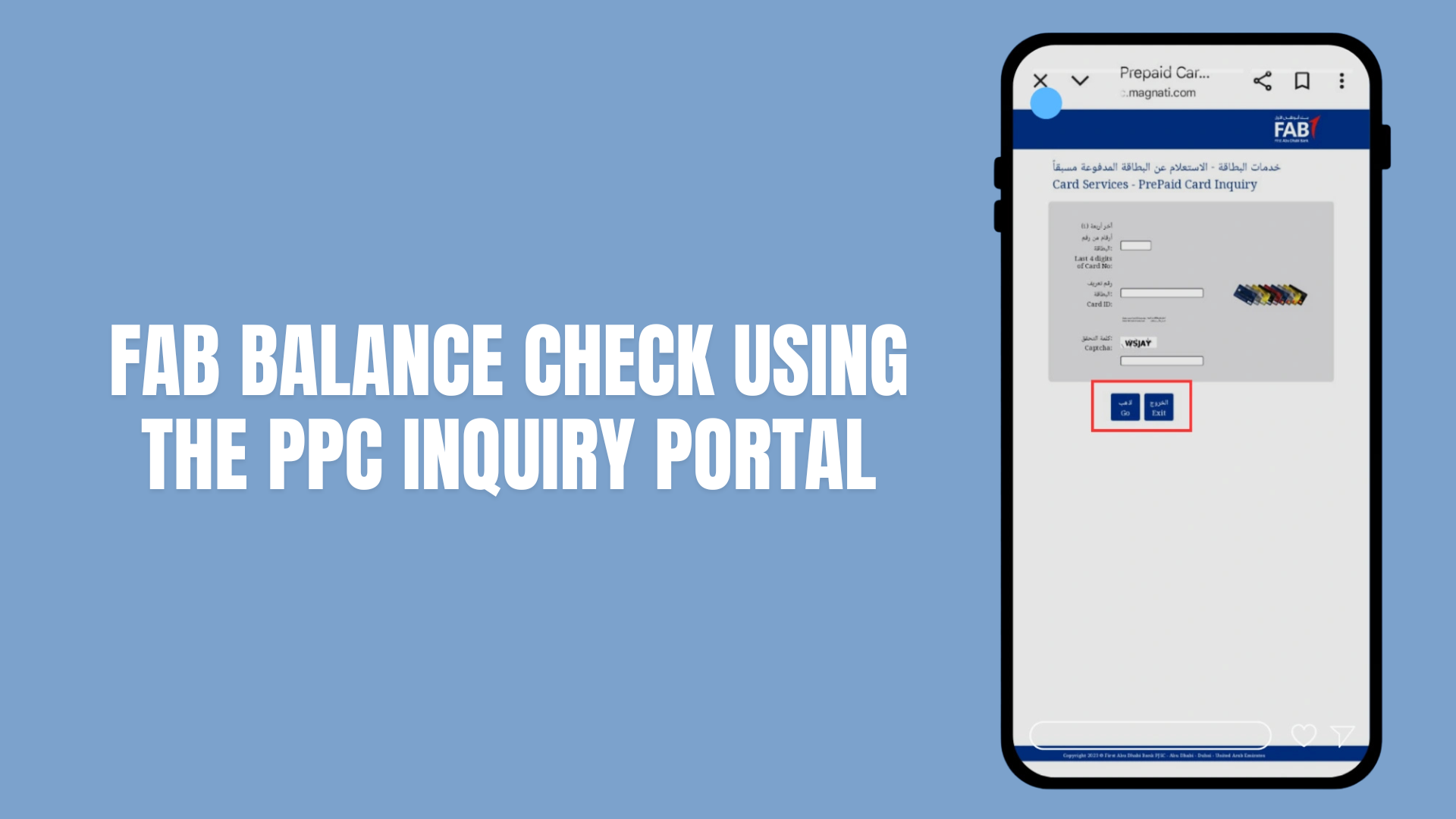
Enter the last 4 digits of your card, card ID, and captcha (for human verification)
Click Go
You will see the following information :
Current balance
Recent transaction history(Recent 5 to 10)
Card status(your card is active, expired, or blocked)
Reload options (If you hold a reloadable card like a gift card, travel card, etc, then the portal will provide you links directly to Payit or Fab branch so you can add money instantly)
This website uses SSL (Secure Socket Layer), a standard security technology that protects your personal information from third-party sites.
Tips and Troubleshooting
Maintain Accuracy: Double-check both the last four card digits and the full Card ID to avoid errors.
Portal Access Issues: If the portal fails to load, clear your browser or try another browser.
Additional support: For any problem, contact FAB Customer care online.
For UAE Resident Users: 600 52 5500
For Foreign ( international ) users: +971 2 681 1511
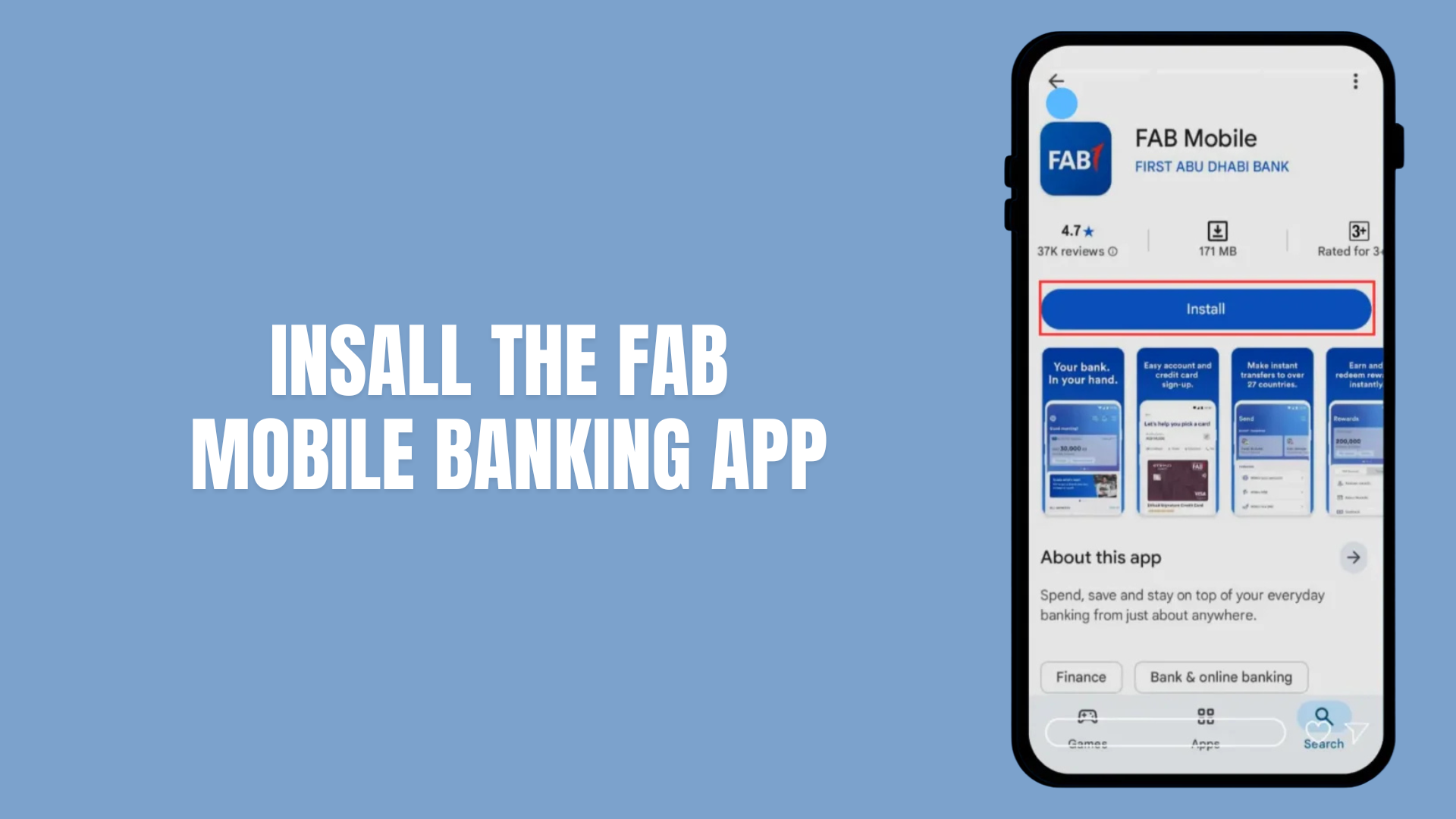
FAB Bank Balance Checking by FAB Mobile App
If you want to check your balance through the app, here is a complete guide for you. The app will ask for your mobile number. And to avoid complications, please enter the same number that you gave to FAB when opening the account or receiving the card.
After opening the App you will see two main options
Log In : (For current users)
Sign up: (For new users)
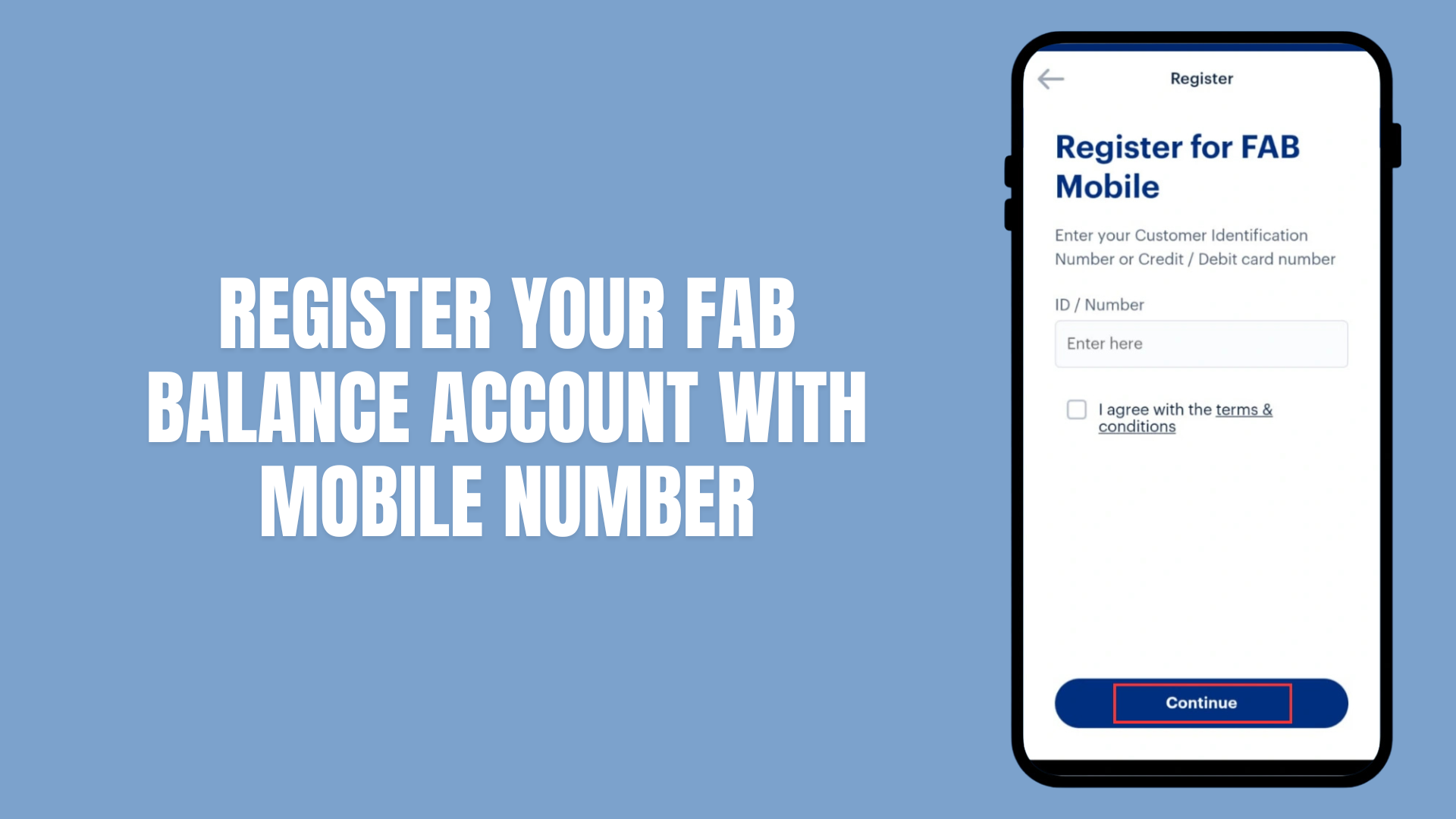
Tap Register
Enter Your Mobile Number
The app will ask for your mobile number. And to avoid complications, please enter the same number that you gave to FAB when opening the account or receiving the card.
Type it in the correct Format
UAE numbers start with 9715XXXXXXXX
For international numbers, add your country code (without 00).
Verify With OTP(One Time password)
The Fab will instantly provide you with a 6-digit otp code via sms
Enter the code into the app.
This step proves that it’s You Registering.
Provide your fab and card details
Your Account Number (if you have a FAB bank account)
or Your Prepaid Card (PPC) number (if you only use a FAB prepaid card)
or Your Credit Card number (if you have a FAB credit card)
Create your login Details
Choose a username
Create a strong passwor
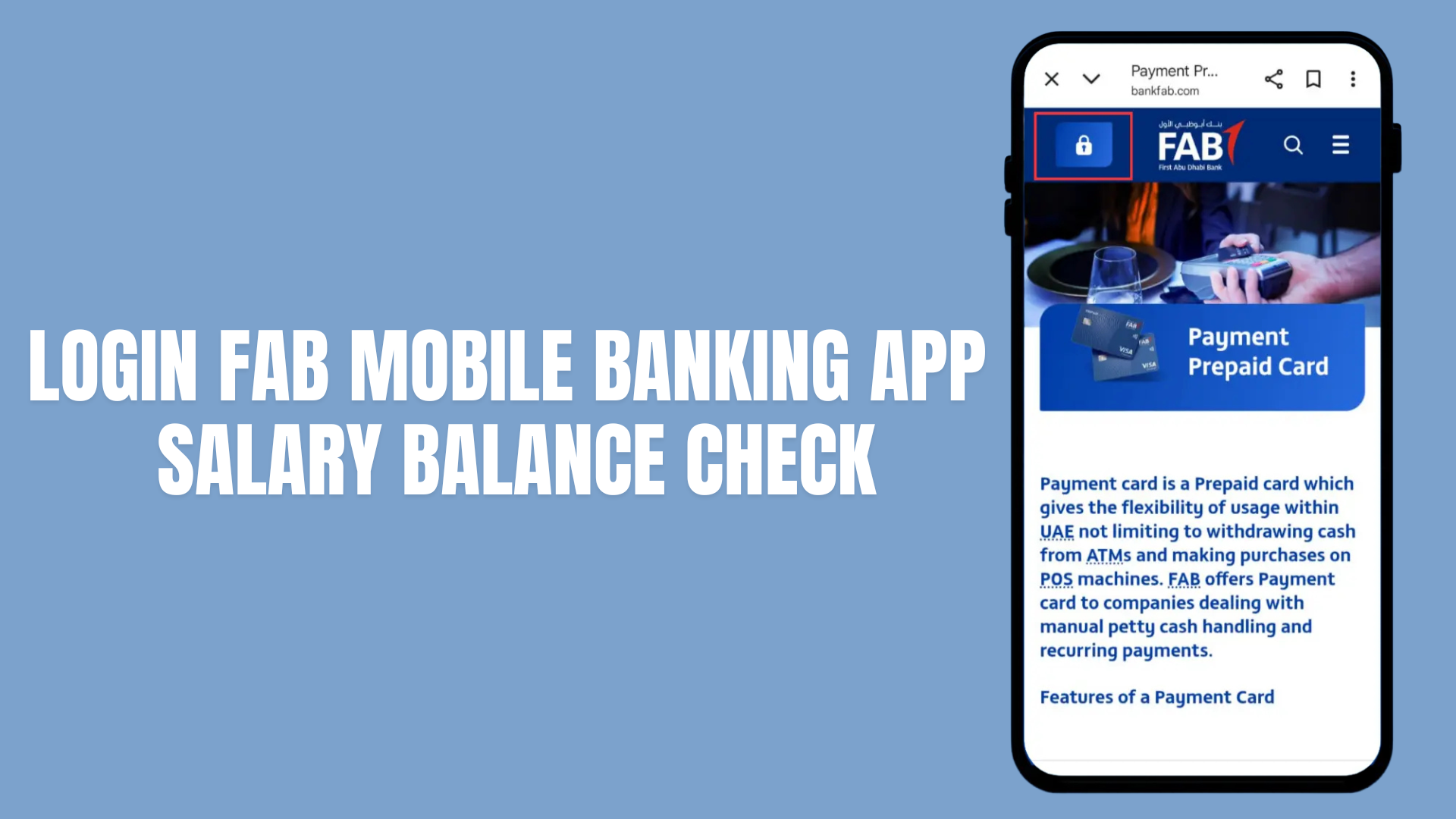
Open the app and tap Already a Customer
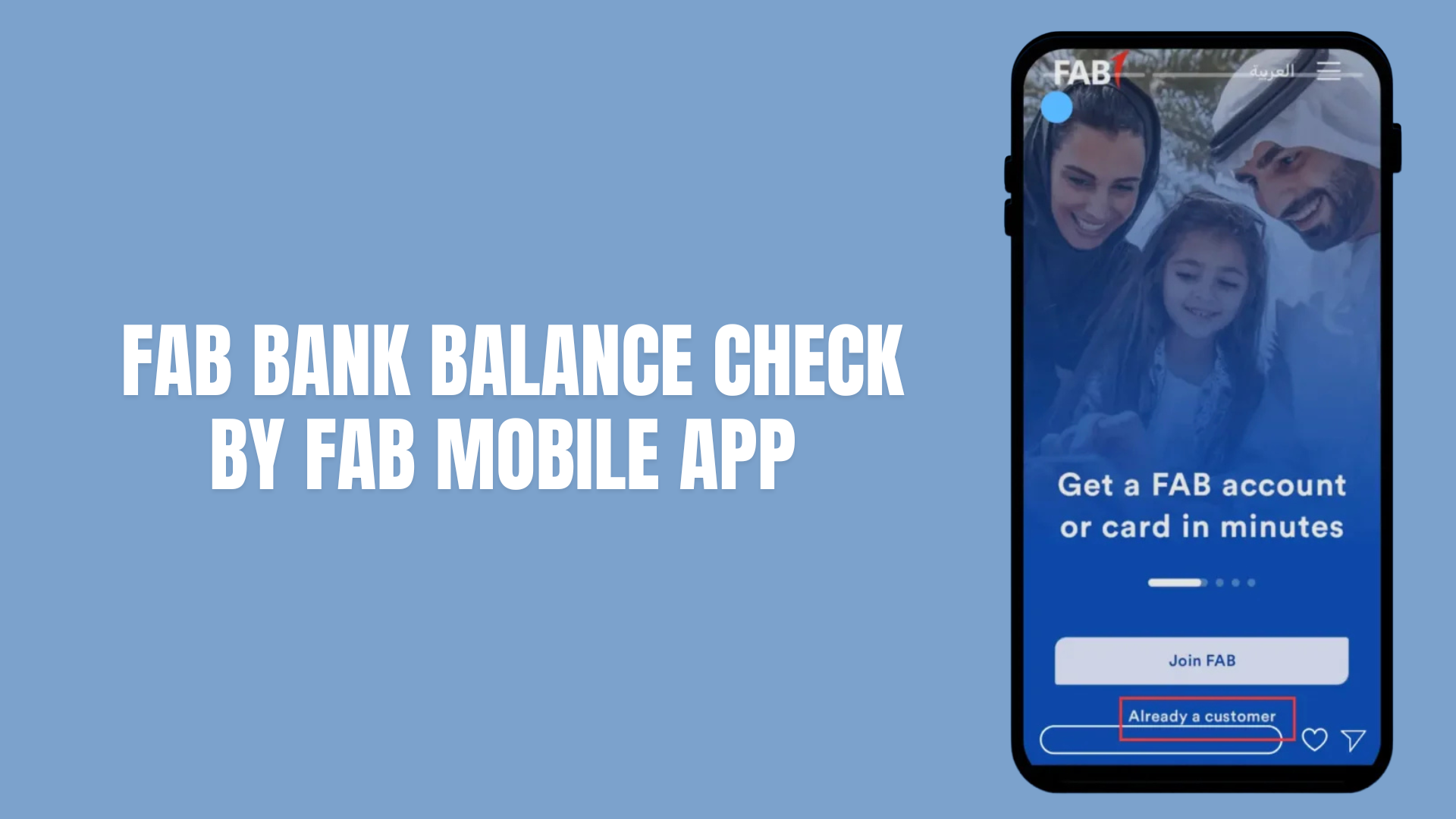
Log in with one of these:
your 16-digit FAB debit card number, or
your 16-digit FAB credit card number, or
Your FAB Customer ID.
Do the one-time checks the app asks for:
Scan your Emirates ID with the phone camera.
Do a quick face verification (follow the on-screen prompts).
This links your phone to your account and keeps it secure.
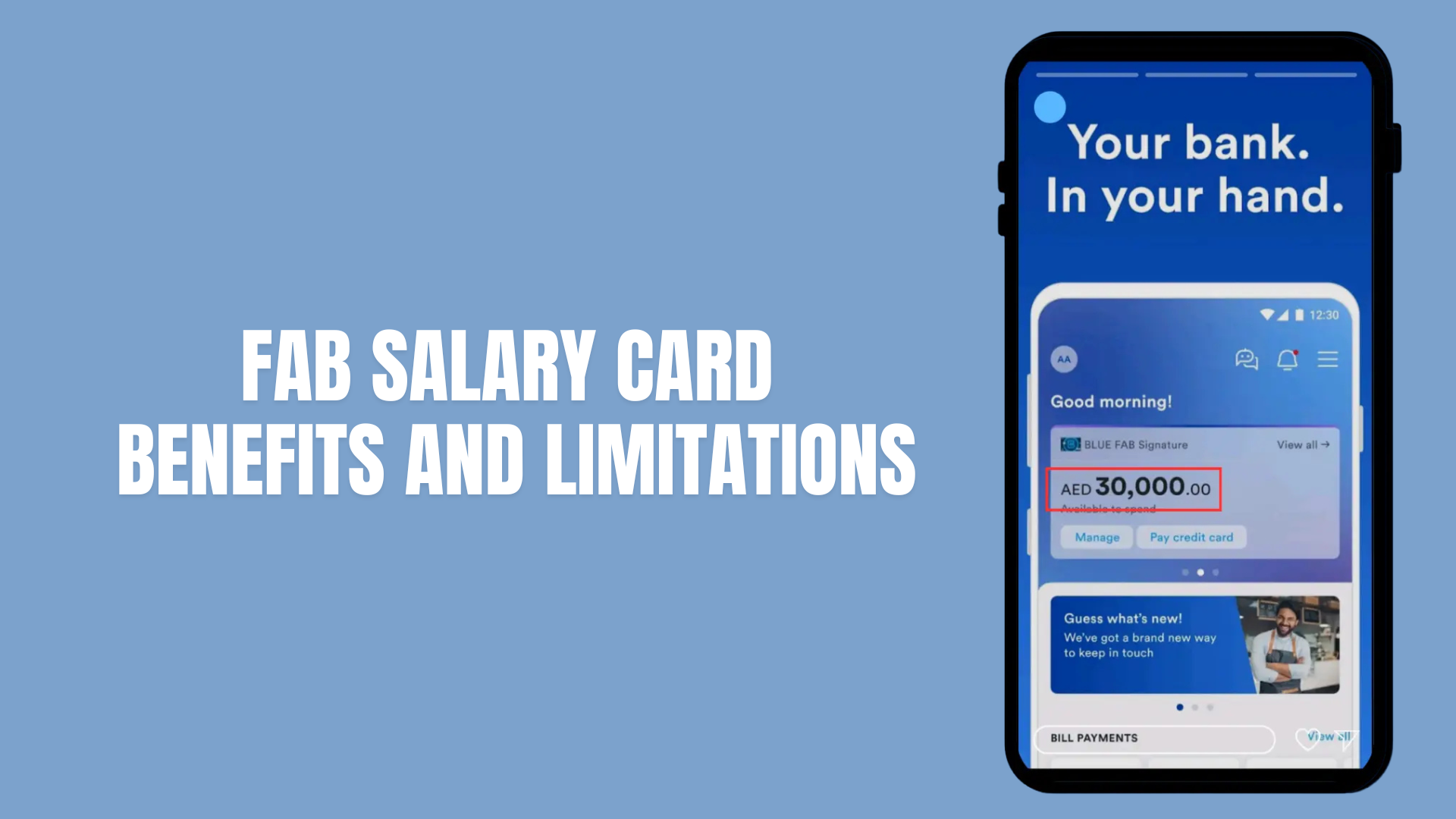
See your fab balance on the home screen.
Tap Accounts to see details for each account.
Small but useful things the app does
Shows all your accounts (savings, current, credit cards) in one place.
Lets you download statements (useful for work or rent).
Sends push alerts when money moves.
Lets you block/unblock cards or change your ATM PIN.
Lets you transfer money and pay bills.
Safety Tips For FAB Balance Check
Turn on biometric login (Face ID or fingerprint) if your phone supports it.
Don’t share OTPs or passwords with anyone.
Log out if you use a shared phone.
If you see strange activity.
call FAB immediately.
FAB Mobile Banking APP Troubleshooting & easy fixes
Can’t log in? Check internet, try again, or reinstall the app. If problem is not going, call FAB
Balance not updating? If your balance seems wrong or out of date, refreshing or logging out and back in can help your app show the most up-to-date ledger and available balances.
App slow or crashing? Update the app, restart the phone, or clear storage.
Think you’ve been scammed? Call FAB to block the card.
Fab Balance Check Salary via SMS
You can check FAB balance inquiry or salary check through SMS without requiring internet connection.
Fab Balance Check Salary via SMS
Make Sure SMS Banking Is Registered
Before checking FAB Balance via SMS, you need to be registered for SMS banking. Here’s how to do it in 2025:
Option 1: Register Through an FAB ATM
Insert your FAB debit card and enter your ATM PIN
Select SMS Banking → Register
Confirm your mobile number
Set a 4-digit SMS PIN
You’ll receive registration confirmation on screen and via SMS
Provide your account number, Emirates ID, and mobile number
Choose a 4-digit SMS PIN
Option 3: Register at an FAB Branch
Visit any FAB branch with your Emirates ID and debit card
Ask the teller to register you for SMS Banking
Fill out and sign the form
Choose a 4-digit SMS PIN
Your SMS PIN is different from your ATM PIN so, keep it secure and private.
Send an SMS to Check FAB Balance
Once registered, checking your balance is simple:
Open your phone’s SMS app
Make a new message:
To: 2121
Message: BAL XXXX
Replace XXXX with the last four digits of your FAB account number
Make sure there’s a space between BAL and your digits (BAL 1234)
Send the message
Step 3: Receive and Read Your Reply
Within 30–60 seconds, you’ll get an SMS from FAB-BANK showing:
Available Balance: Funds you can spend immediately
Ledger Balance: Total funds including pending transactions
Account Number: Masked, showing only the last four digits
Last Transaction: Most recent debit or credit
Tips & Best Practices (2025)
Use Registered Mobile Number
Exact Format: Always include a space between BAL and your digits (BAL 1234)
No Internet Needed:
SMS Fees: The bank might send you SMS alerts, but if you get charged, it’s because of your mobile provider ( (like Etisalat, Du, Verizon, etc.) not bank.
Quick Recheck: If you don’t receive a reply within 2 minutes, send the SMS again
PIN Security: Your SMS PIN is separate from your ATM PIN , don’t share it.
FAB Balance Check Via Phone Banking ( Best for Non-tech Users)
If you are in a situation where you don’t have internet access or you are not a tech user then the phone banking is the best option for you. No internet, no app, just a quick phone call, and you’ll know your FAB account balance check or prepaid card balance right away.
FAB Balance Check Via Phone Banking
Why Phone Banking is Best for Non-Tech Users
No smartphone required – works on any phone, even old Nokia phones
No internet needed
No apps to download
Human assistance available
Works in any language
Available 24/7
Steps :
Contact FAB customer support
For Foreigners: +971 2 6811511.
For UAE citizens: 600 52 5500.
Choose Your Language
The automated voice will ask for your language
a)Press 1 for English
b) Press 2 for Arabic
Now, click on the Balance Inquiry option
From the main menu, choose the option for “Account Services” or “Balance Inquiry.”
Provide your Details :
You have to provide some of the details asked by the system
Primary Information (One of the following)
16-digit FAB Account Number (from bank statement or passbook)
16-digit FAB Debit Card Number (front of your card)
16-digit FAB Credit Card Number (front of your card)
FAB Customer ID Number (provided when account opened)
Verification Details
Full Name (exactly as registered with FAB)
Emirates ID Number (15-digit number)
Date of Birth (DD/MM/YYYY format)
Registered Mobile Number (linked to your FAB account)
Security Information
PIN (4-digit ATM PIN for automated system)
Address (registered address may be asked for additional verification)
NOTE:- You don’t have to provide all these details on every phone call. The automated system mostly asks for your account number and date of birth, while customer service representatives may ask for 2-3 verification details depending on security protocols.
Here is the table by which you can easily decide which one to use and why.
Feature
Automated Voice System (IVR)
Customer Service Representative
Phone Numbers
600 52 5500 (UAE)
+971 2 681 1511 (Intl)
600 52 5500 (UAE)
+971 2 681 1511 (Intl)
Access
Menu prompts: 1-English, 2-Account Services, 1-Balance, 0-Agent
Press 0 or wait to speak to agent
Speed
2–3 min
3–7 min (may be longer at peak)
Language Support
Arabic, English
Arabic, English, others
Best For
Tech-savvy, quick checks, regular users
Non-tech, first-time users, complex queries
Availability
24/7
24/7 (longer waits at peak)
Info Required
Account number, DOB or PIN
Account number, name, Emirates ID, DOB, mobile
What You Get
Balance, total, last txn
Balance, total, last txn, account status, explanations
Pros
No wait, consistent, private
Human help, personalized, resolves issues
Cons
Confusing for beginners, limited functions
Wait times, must speak clearly, less private
Error Handling
Limited, may need to redial
Excellent, agent corrects mistakes
Extra Services
Balance, basic txn history
Balance, explanations, problem resolution, card blocking, service requests
Privacy
High
Medium
Reliability
Very reliable
Very reliable, human backup
Learning Curve
Moderate
Easy
Cost
Free/local charges
Free/local charges
Wait Time
None
1–5 min (instant off-peak)
Peak Impact
None
Longer waits 9–11 AM, 1–3 PM, Sun–Thu
Additional Phone Banking Services You Can Use
You can use the phone banking services for :
Block Lost Card: report a lost or stolen debit/credit card
Check Due Payments: find out the upcoming loan
Transfer Money: move funds between your own accounts
Update Mobile Number: Change your registered phone number
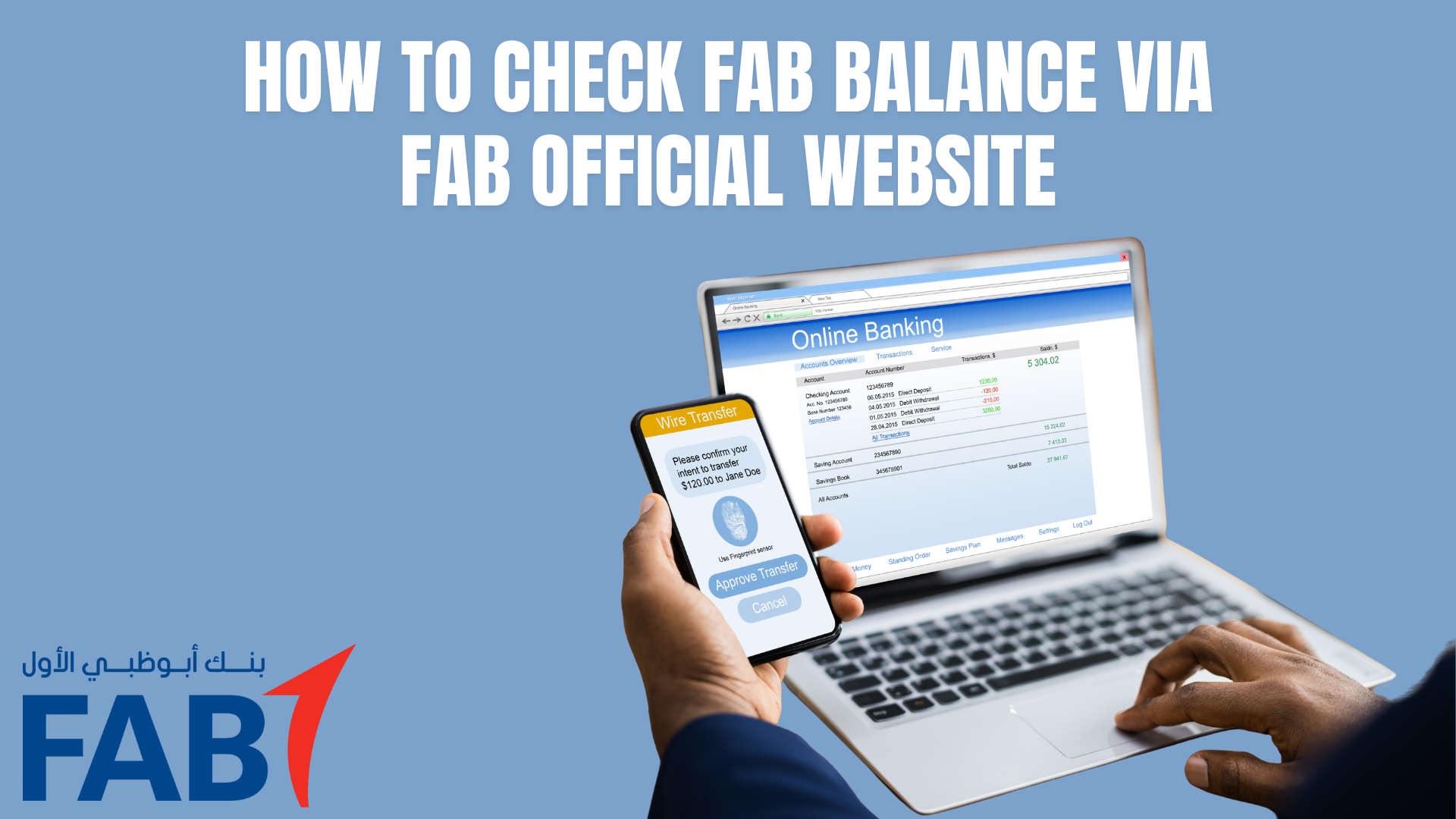
How to Check FAB Balance via Online Banking (Official Website)
The FAB online banking portal is a secure and feature-rich way to check your balances, view transactions, and manage your accounts from any web browser , no app required. It’s perfect for desktop or laptop users who want full control of their banking.
How to Check FAB Balance via FAB Official Website
Open the Official FAB Website
Open your favorite browser Chrome, Safari, Edge, etc.
In Personal Banking section, click Personal Online Banking (UAE)
Now a screen opens in which you need to login and after logging in , you can instantly check your FAB Balance.
Log In to Your Online Banking
Enter your Username & Password
Click Login
Multi-Factor Authentication (MFA)
FAB will send a one-time password (OTP) to your registered mobile number or email
Enter the OTP and click Submit
This extra step keeps your account safe from unauthorized access.
View Your Dashboard
Once logged in, the Dashboard gives you an instant VEIW of your accounts:
Main Account Balance displayed at the top
Available Balance (what you can spend) and Ledger Balance (including pending transactions) shown side by side
Recent Transactions listed below your balances
Access Detailed Account Information
Click Accounts in the main menu
Select the account you want to view (Current, Savings, Credit Card)
Other details:
Available Balance: money ready to spend
Total Balance :includes pending transactions
Transaction History :detailed list with dates, amounts, and descriptions
Account Details : masked account number, currency, account status etc
Advanced Online Banking Features
Online banking is more than just checking balances. You can also:
Download e-Statements in PDF format
View mini statements (last 5–10 transactions)
Get official account certificates (bank-stamped)
Transfer funds within FAB or to other banks
Pay bills (utilities, telecom, etc.)
Manage beneficiaries This feature helps you control who can receive money from your account, making transfers faster and safer.
Stop cheque payments instantly
Security Measures You Should Know
FAB takes your online safety seriously:
Secure HTTPS connection (look for “https://”)
Automatic logout after inactivity
Multi-factor authentication via OTP
Device registration for trusted devices
Transaction alerts via SMS or email
Always log out after each session, especially on shared devices.
Troubleshooting Common Issues
Login Failure: Double-check your username/password, clear cache, or try another browser
OTP Not Received: Make sure your contact info is correct and request a new OTP
Balance Not Updating: Refresh the page or wait for end-of-day processes
Session Timeout: Log in again or adjust browser settings
How to Check FAB Balance at ATMs
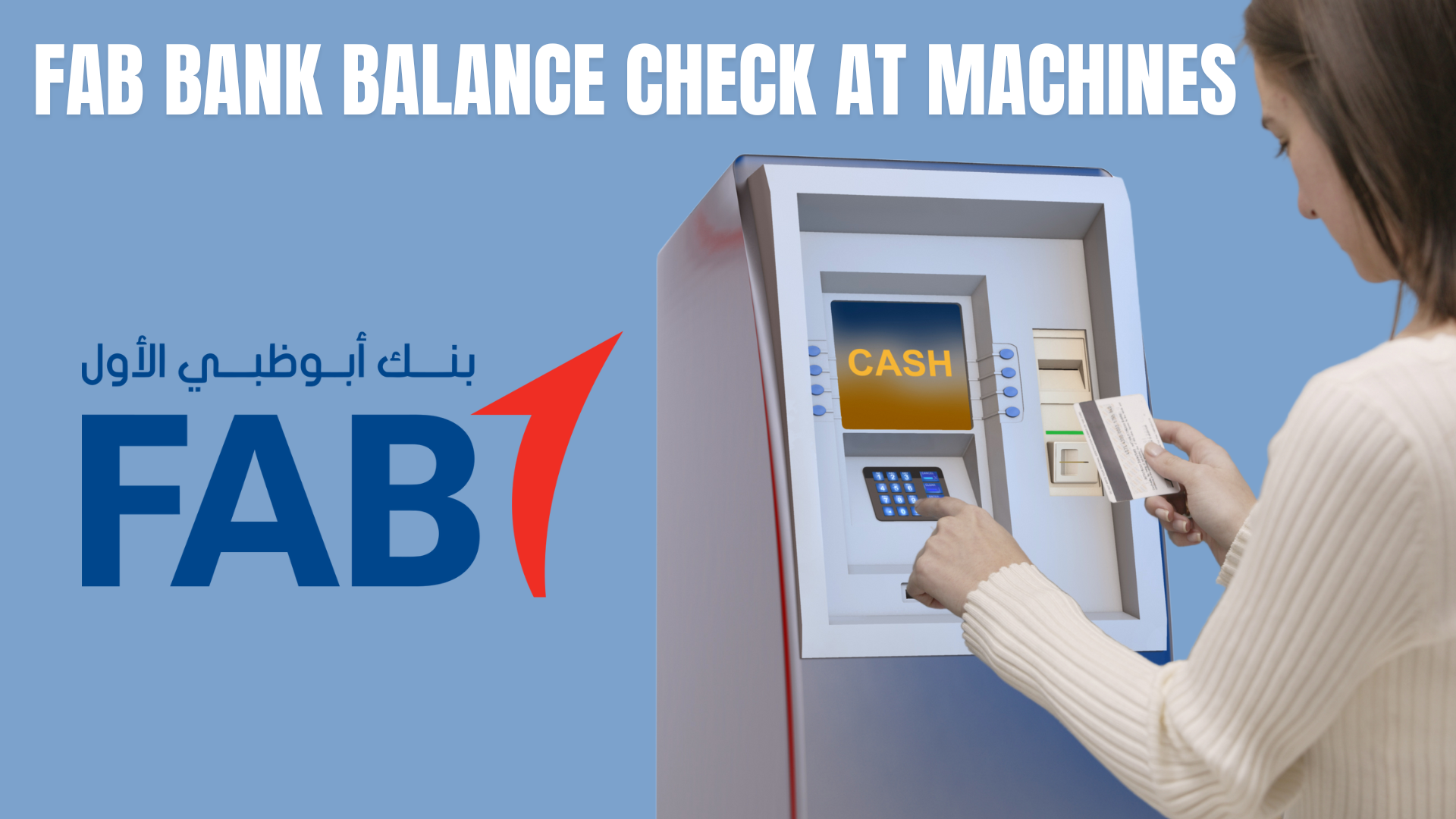
Checking your First Abu Dhabi Bank (FAB) balance through an ATM is still one of the quickest and most reliable offline options in 2025. No internet or smartphone is needed, only your card and PIN.
fab Bank Balance Check at FAB ATM Machines
Find a Nearby FAB ATM
Use the official FAB Locator: Visit FAB official website for FAB Live locator
Or simply search on Google: Type “FAB ATM near me” on Google Maps for directions.
Or use the FAB Mobile App: Tap on “Locate Us” and then choose to see only ATMs that are close to where you are.
Popular 24/7 Locations in Dubai
ATM Locations Across the UAE
City
ATM Location
Operating Hours
Processing Time
Abu Dhabi
Khalifa Business Park, Al Qurm
24/7
Instant
Dubai
Dubai Mall, Lower Ground Level
24/7
Instant
Dubai
Dubai Marina, Marina Walk
24/7
Instant
Al Ain
Al Ain Mall, Near Main Entrance
24/7
Instant
Sharjah
Sharjah City Centre, Ground Floor
24/7
Instant
Ajman
Ajman City Centre, Ground Floor
24/7
Instant
Ras Al Khaimah
Al Naeem Mall, Al Qusaidat Area
24/7
Instant
Go to the ATM for FAB ATM balance Check
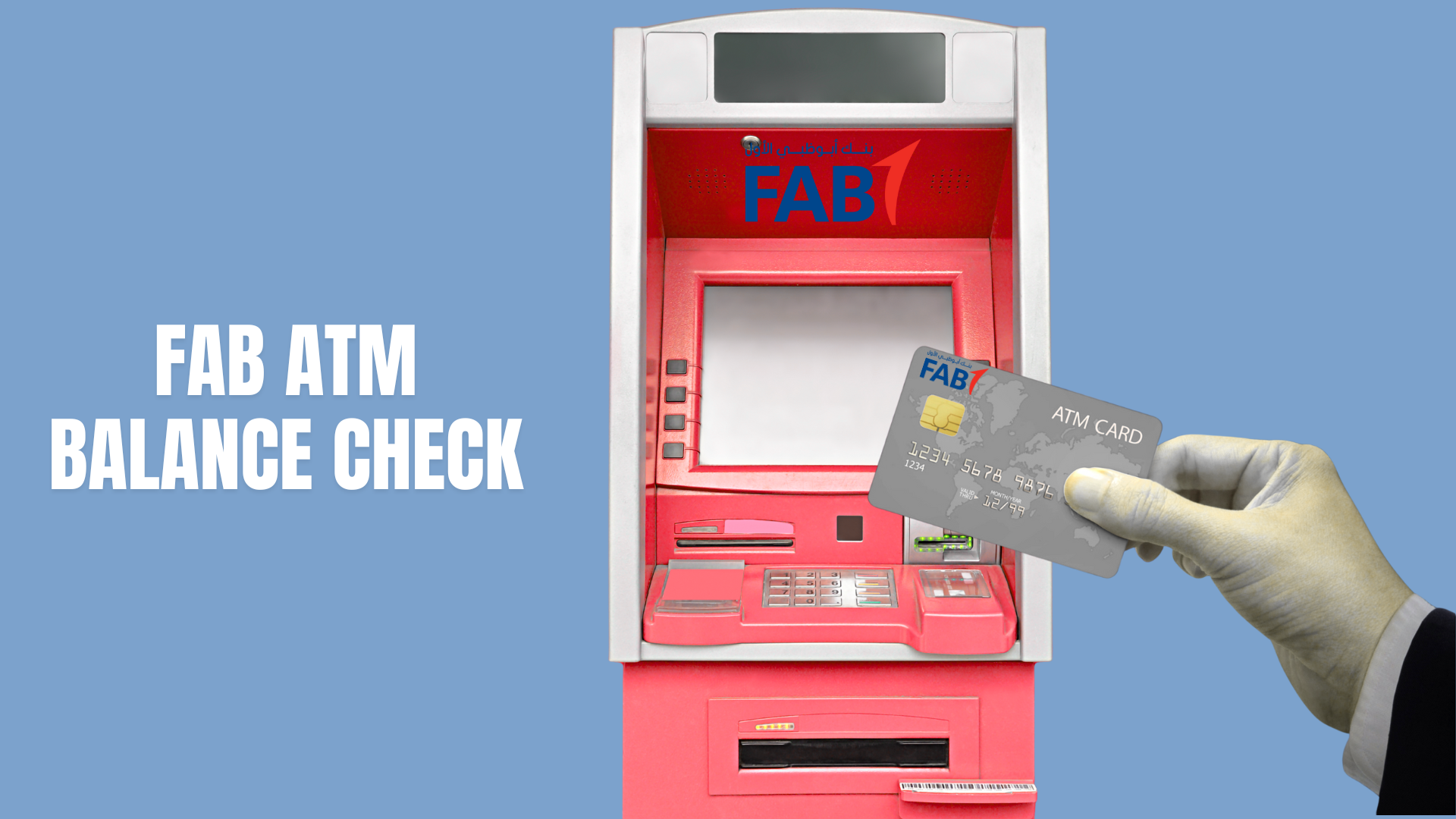
Look for the card slot (usually on the right side).
Insert your card with the chip facing up and forward.
Wait a few seconds until the ATM reads your card and shows the welcome screen.
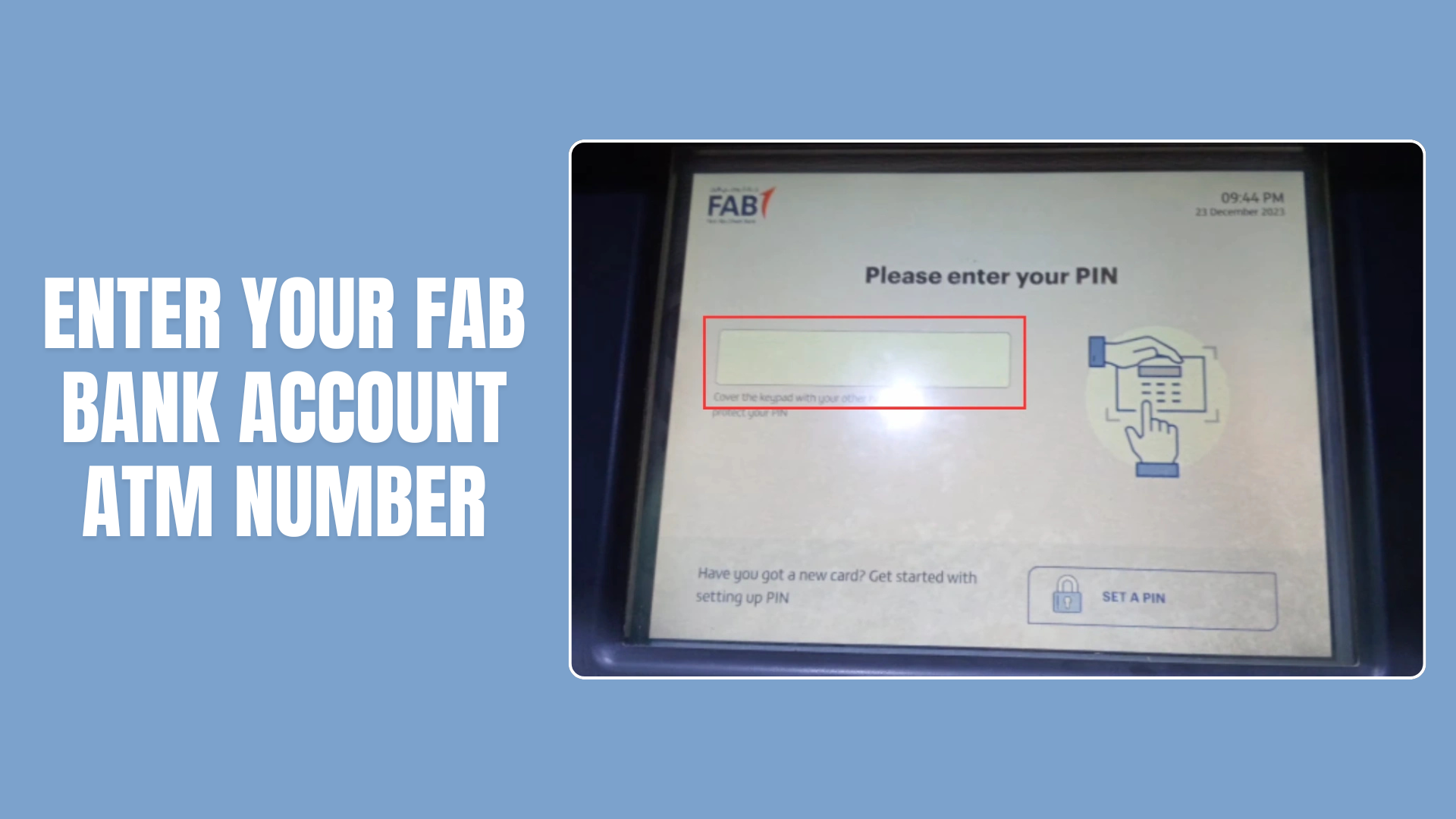
Enter Your PIN
The screen will say, “Please enter your PIN.”
Carefully type your 4-digit PIN using the keypad.
Always cover the keypad with your other hand for privacy.
Press Enter (green button).
The ATM will verify your details—it only takes a few seconds.
Choose Your Language
Most ATMs let you pick between:
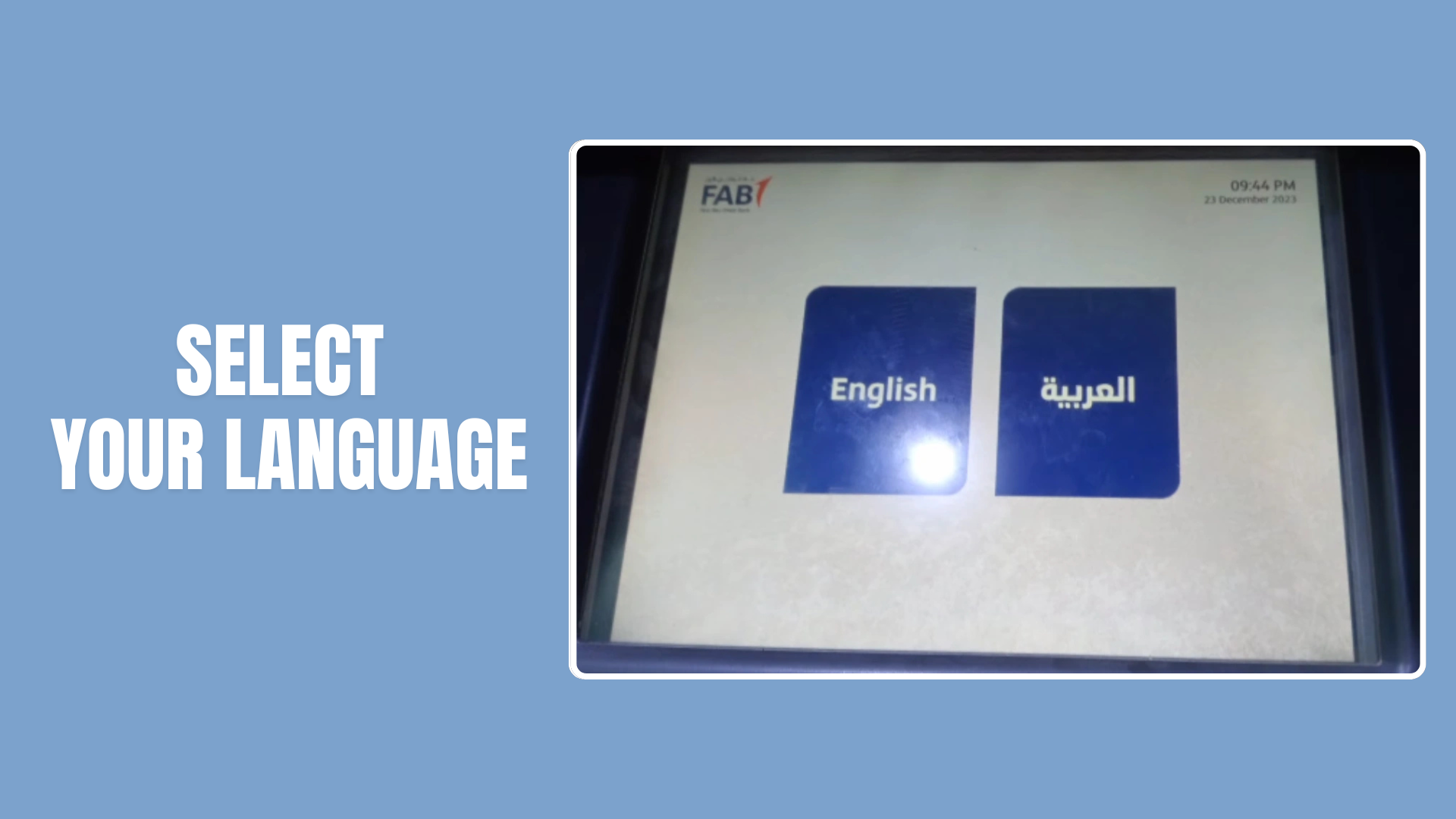
English
العربية (Arabic)
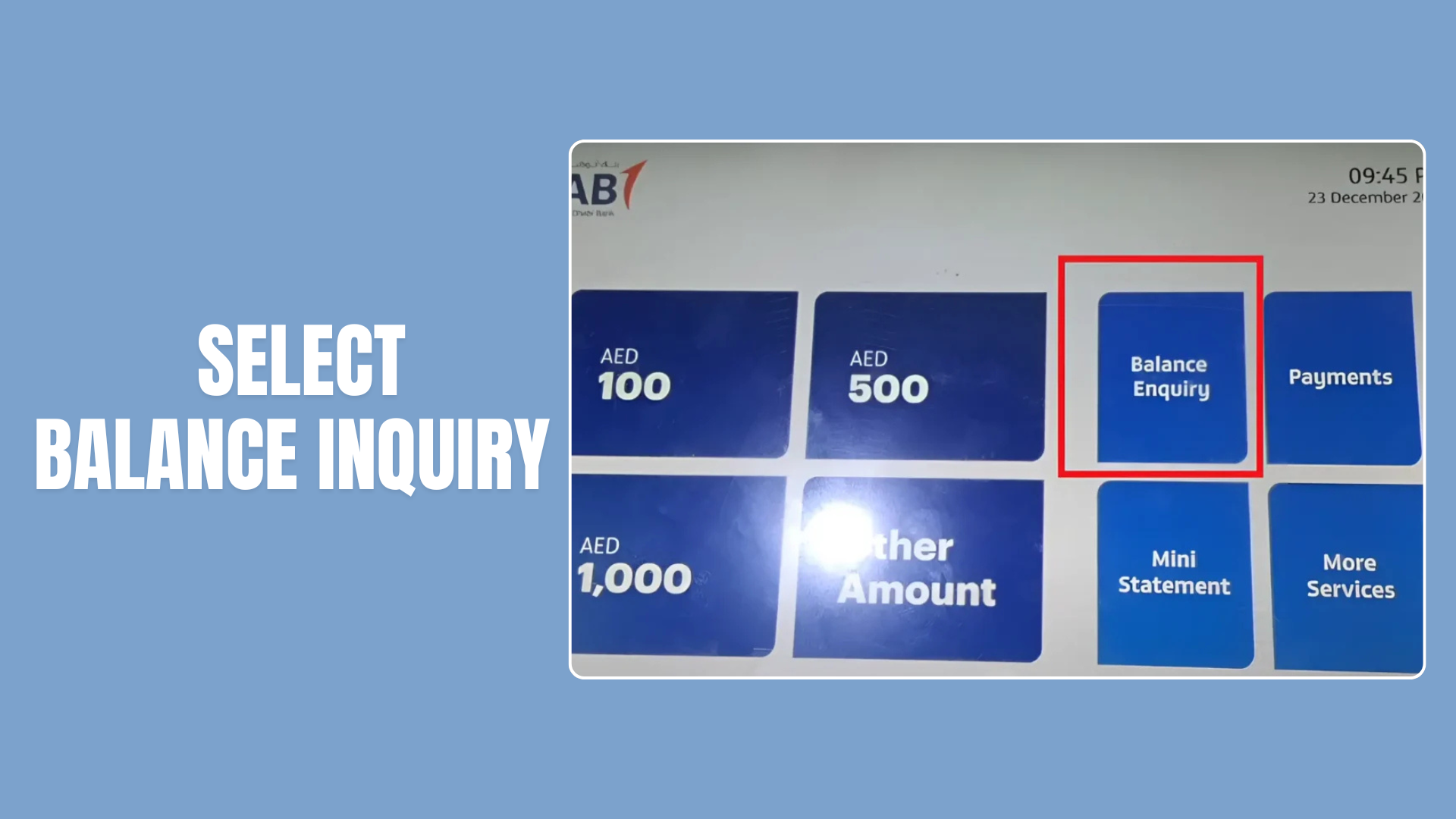
Select “Balance Inquiry”
From the main menu, choose the Balance Inquiry option.
It may appear as “2. Balance Inquiry” or directly on the screen.
Select Your Account
If you have multiple accounts linked to the same card: