














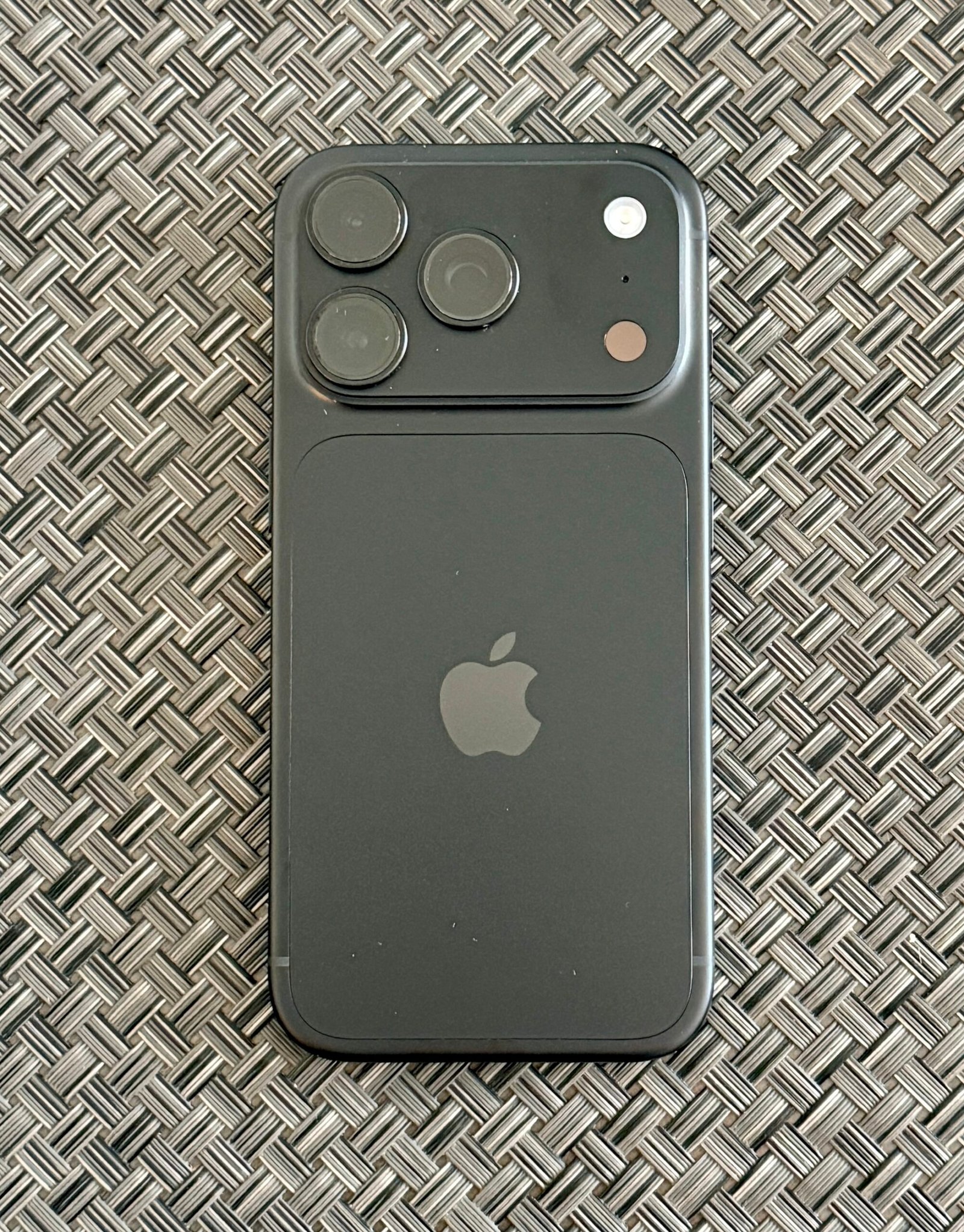
October 20, 2026: Apple’s iPhone 18 Pro and iPhone 18 Pro Max include several tools that are easy to miss if you only focus on the new design and battery life. From adjustable camera settings to smarter notifications and image verification, here are ten useful features Apple has officially documented. Note: This guide specifically covers the iPhone 18 Pro models; Apple has not established that every feature applies to every iPhone 18 variant. Some software features depend on region, language and iOS version.
1. Change the camera aperture
The 48-megapixel Fusion Main camera supports variable aperture. Use the Camera app’s Pro controls to adjust the aperture and experiment with depth of field and available light, instead of relying entirely on automatic shooting.
2. Bring shutter speed and white balance into your workflow
Customizable Pro controls also give access to shutter speed and white balance. These settings are especially useful for consistent indoor lighting or creative motion effects.
3. Check exposure using a histogram
The Camera app can display a histogram, helping photographers judge tonal distribution before taking a shot. This is useful when bright skies or dark foregrounds fool automatic exposure.
4. Capture an Apple Reference Image
Reference mode records signed sensor data and generates an authenticity reference that can be compared with an edited photo. Apple describes it as a way to inspect whether changes were made, particularly valuable for photojournalism and documenting original captures. It is not a blanket guarantee that every image shared online is genuine.
5. See three Live Activities in Dynamic Island
The redesigned Dynamic Island can display up to three Live Activities simultaneously. That can help users follow multiple supported app updates without repeatedly opening them.
6. Ask Siri about what is on your screen
Siri AI in iOS 27 supports onscreen awareness and personal context. On supported devices and languages, users can ask questions or request actions related to content they are viewing. Availability varies and some features are still in beta.
7. Use Siri mode in the Camera app
Apple says the Camera app includes a Siri mode that lets users request information or actions about objects and scenes in front of them. Check your device’s supported language and software version if the option is not available.
8. Reframe or extend photos after capture
Apple Intelligence photo tools include Spatial Reframing, Extend and an upgraded Clean Up. These can help adjust composition or remove distractions after a photo is taken. Results are AI-assisted edits, not untouched original photographs.
9. Ask Safari to notify you when a page changes
Safari’s Notify Me feature can monitor supported web pages for changes, such as product restocks or price updates. This can reduce the need to manually refresh the same page.
10. Take advantage of the hidden battery benefit of eSIM-only models
In markets including the UAE, Saudi Arabia, Bahrain, Kuwait, Oman, Qatar and the US, eSIM-only iPhone 18 Pro models use space formerly occupied by the physical SIM for a larger battery. Apple says this allows up to two additional hours of video playback compared with corresponding models with a SIM tray. This is a hardware advantage, not a setting you can enable.
Frequently asked questions
Do these features work on the standard iPhone 18?
Not necessarily. This list is based on Apple’s published iPhone 18 Pro and Pro Max specifications and iOS 27 announcements. Check your exact model.
Is Siri AI available in every country?
No. Language and region restrictions apply, and some functions are in beta. Apple provides current availability information on its support pages.
Is Apple Reference Image the same as a normal photo?
No. It is a separate authenticity reference designed to help assess changes against a captured image.